WHAT I LEARNED
Working as a team brings challenges in time management, but consistently leads to better outcomes. This experience broadened my perspective and taught valuable lessons in collaboration, especially in UX.
I've learned not to assume that users will understand as I intended. Additionally, I've learned that user feedback can help reduce such errors.
NEXT STEP
Users who have never used the Disney Plus app experienced more difficulties using the redesigned new app compared to existing users. This was confirmed through usability testing, and the reasons were identified. Based on this, we plan to conduct usability testing again, considering users who have never used the Disney Plus app, using the improved design as a basis. Additionally, we aim to develop a version for smart TVs.
USABILITY TEST
To gather user feedback, we conducted a usability assessment with five participants. They were required to complete 5 tasks using the prototype and answer 3 pre-questions and 3 post-questions each.
TEST
SUS score
Disney plus average :
75
68
SUS
About
Total 45 questions & tasks (including pre- and post- questionnaries)
User 1
User 2
User 3
User 4
User 5
Personal info
(Age/Gender/Country)
32/F
27/F
25/F
28/M
29/F
Environment
In-person
Online
Online
In-person
In-person
Overall
compliment
“The use of colors and illustrations are more interesting than before”
“I really liked to be able to communicate more smoothly while watching GroupWatch.”
“ It was great to have categories (Marvel/Disney/Originals/Movies/Series)
neatly organized on the home screen, making it easy to dive into each one at a glance.”
“The redesigned app has a simpler way to navigate.”
Overall
criticism
“To find ‘My Reviews,’ I had to go into ‘My Profile,’
but the button wasn't labeled as ‘My Profile’ instead, it was just recognized as my name.
This made it difficult to locate ‘My Reviews.’”
80.3
68
51
Poor
Okay
Good
Excellent
What does SUS mean?
SUS is a standardized metric used to measure usability perception of computer interfaces.
Interview review
Accessible usability
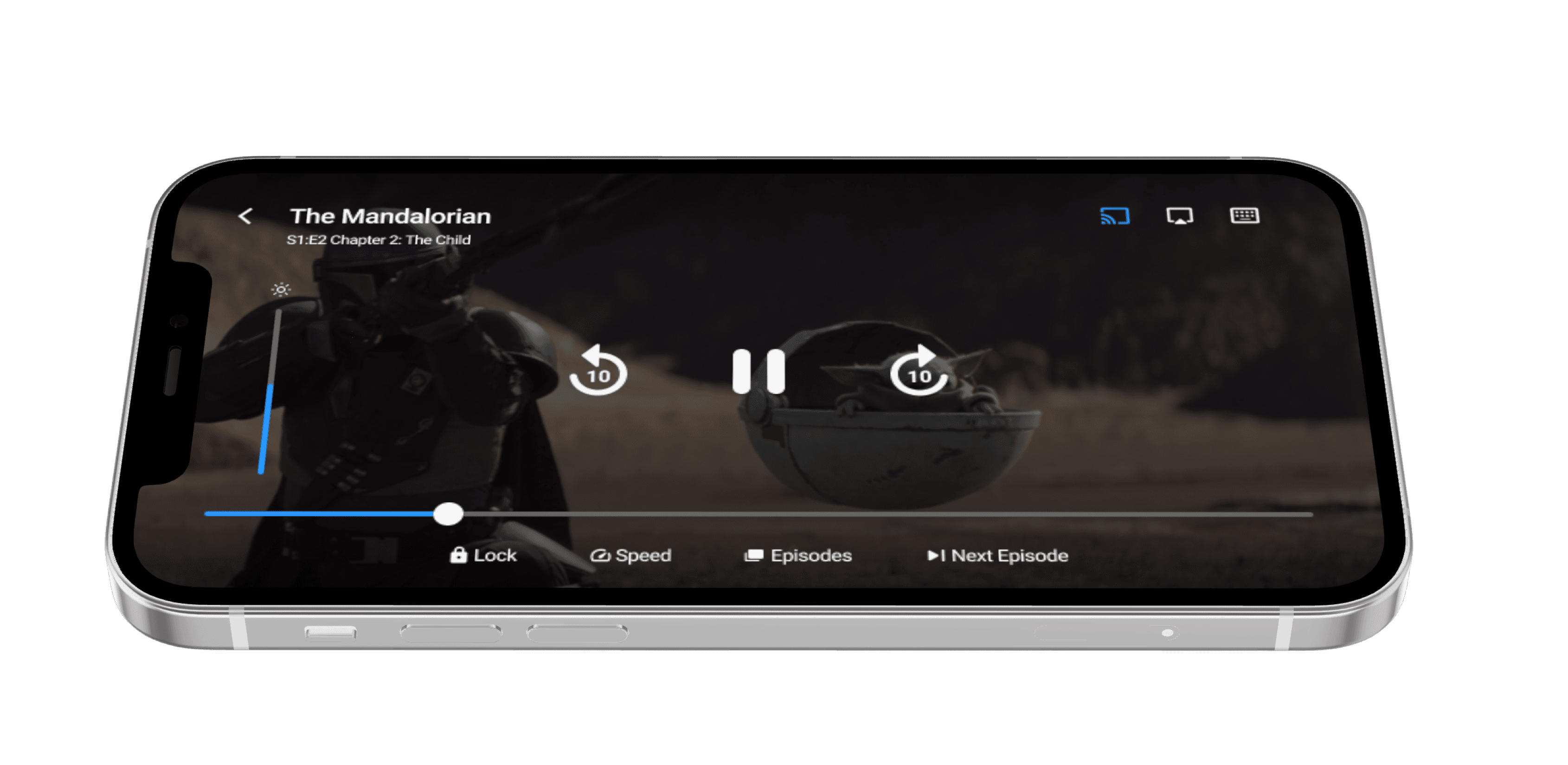
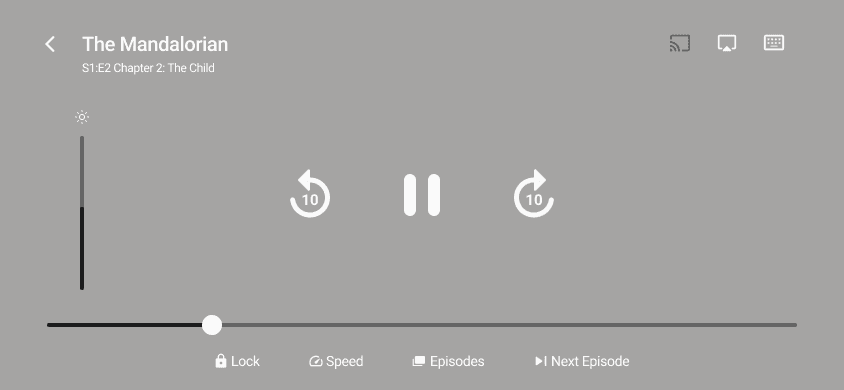
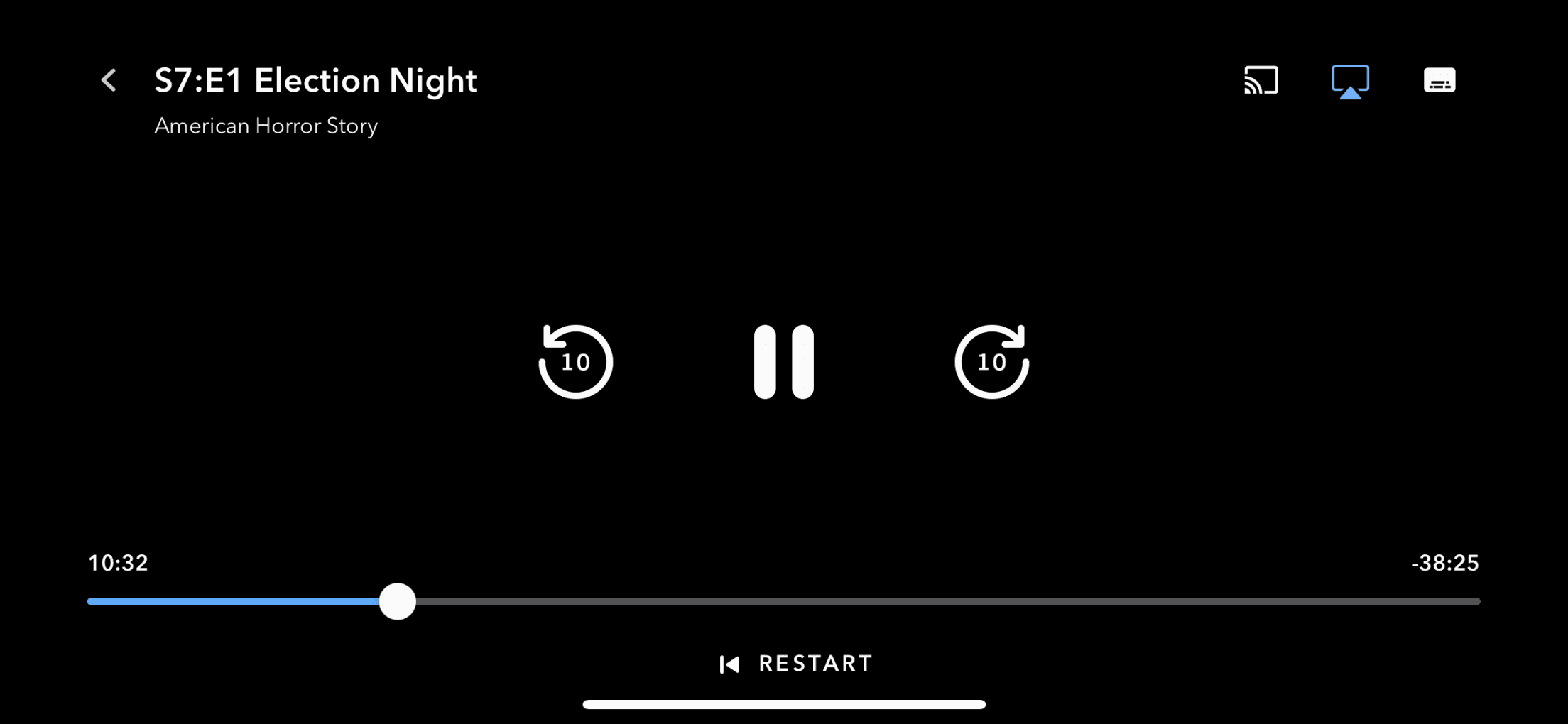
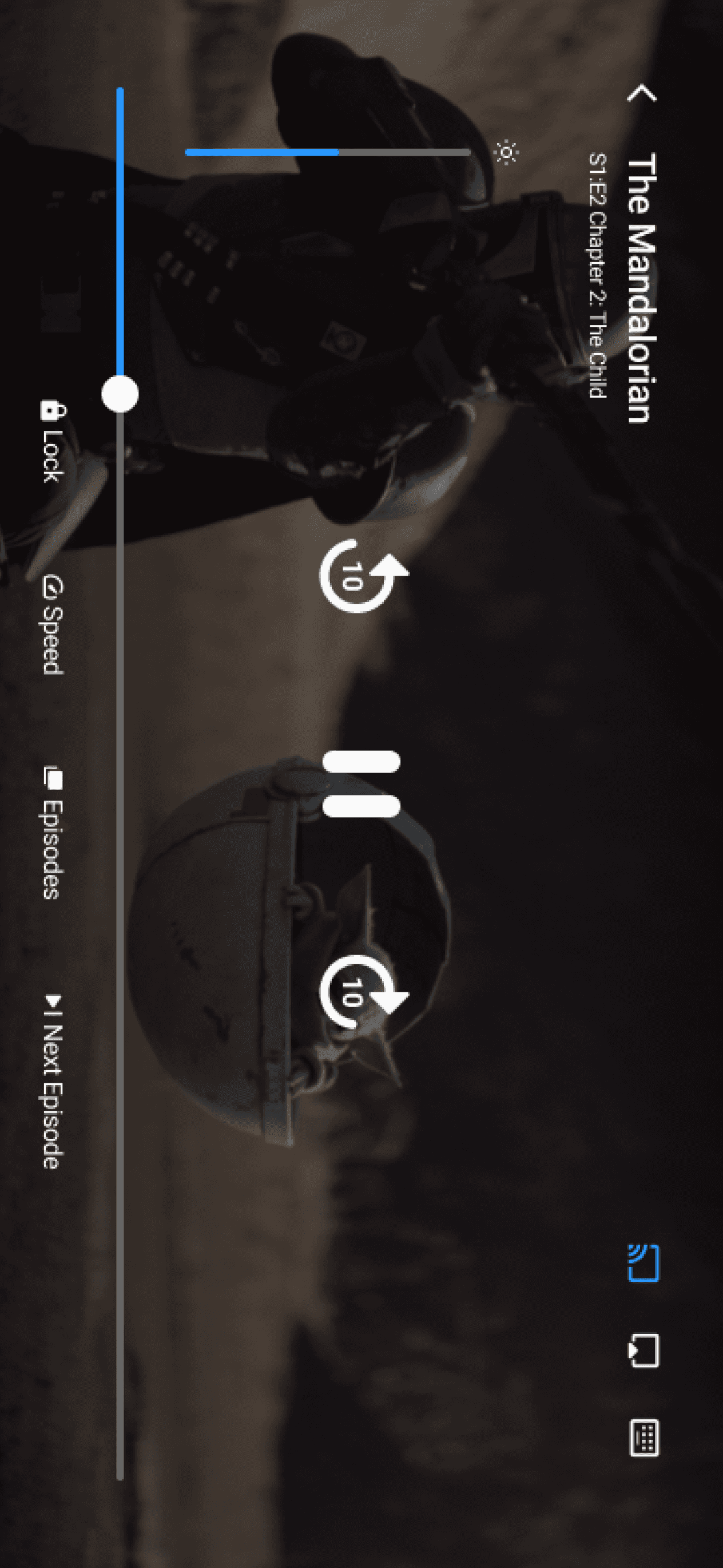
Added Next and Previous Episode Options.
Added Video Playback Speed Control.
Added Playback Lock Feature.
Added Screen Brightness Adjustment Feature.
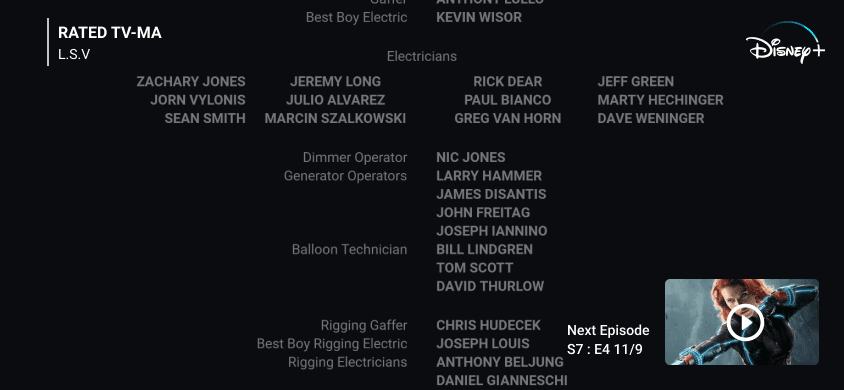
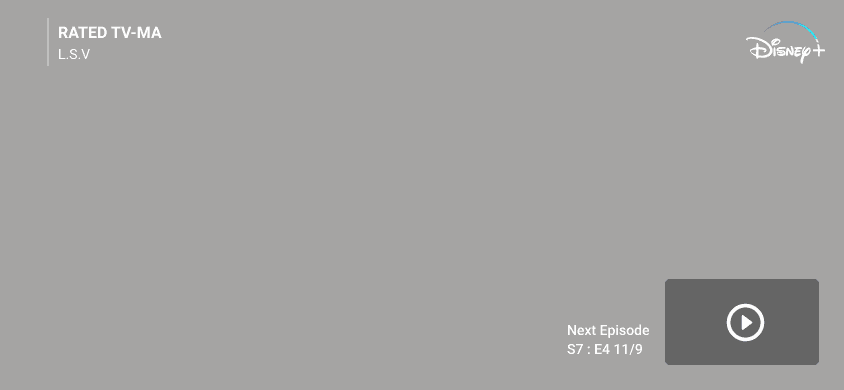
Moved the 'Next Episode' button from the left to the right during the ending credits.
Detailed Data
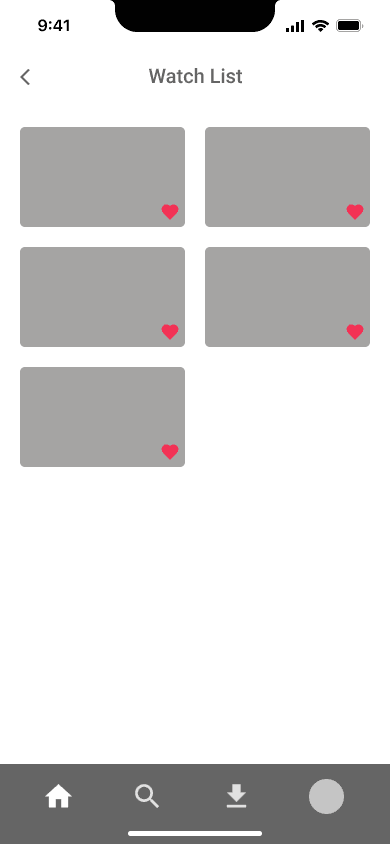
At-a-Glance Watchlist
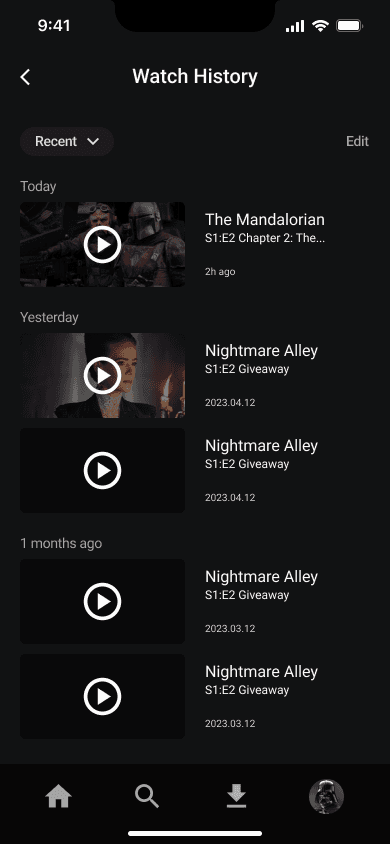
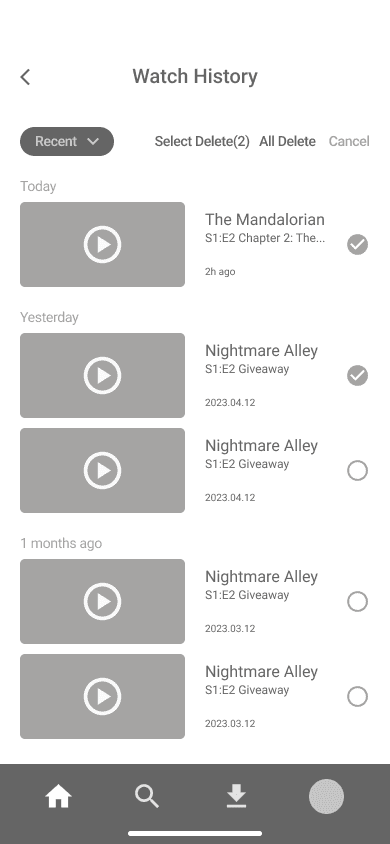
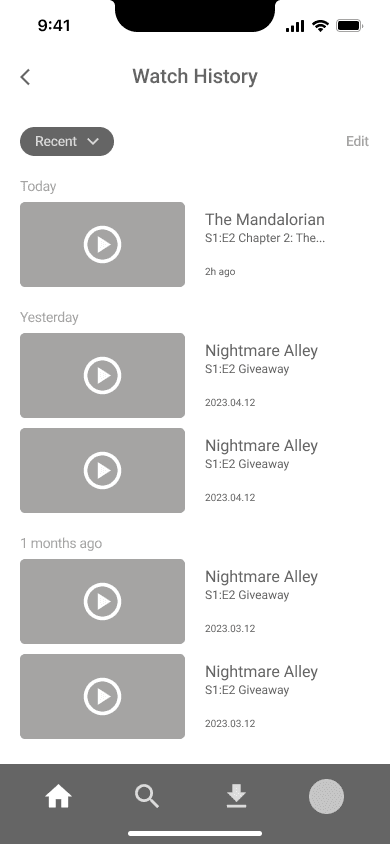
Watch History Editing
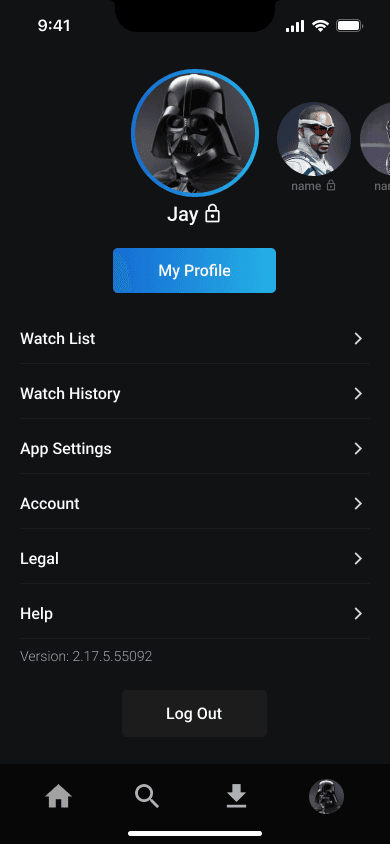
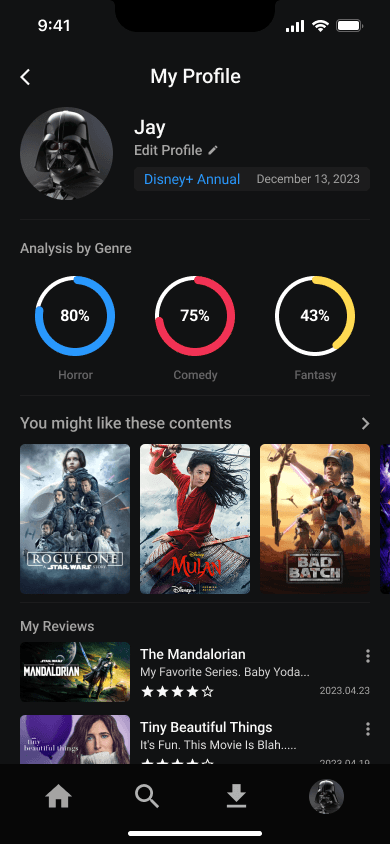
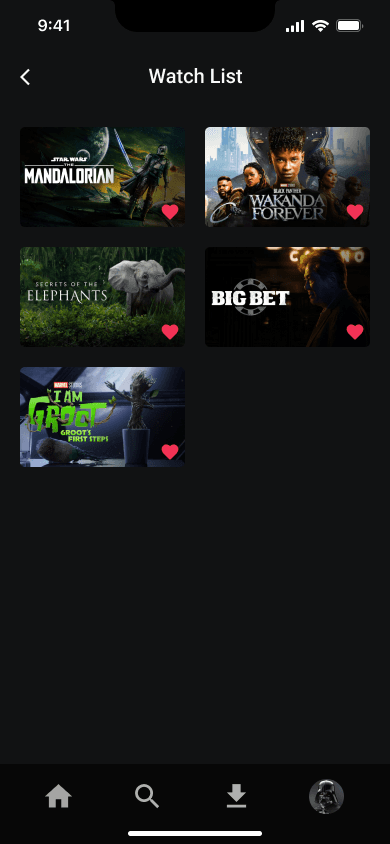
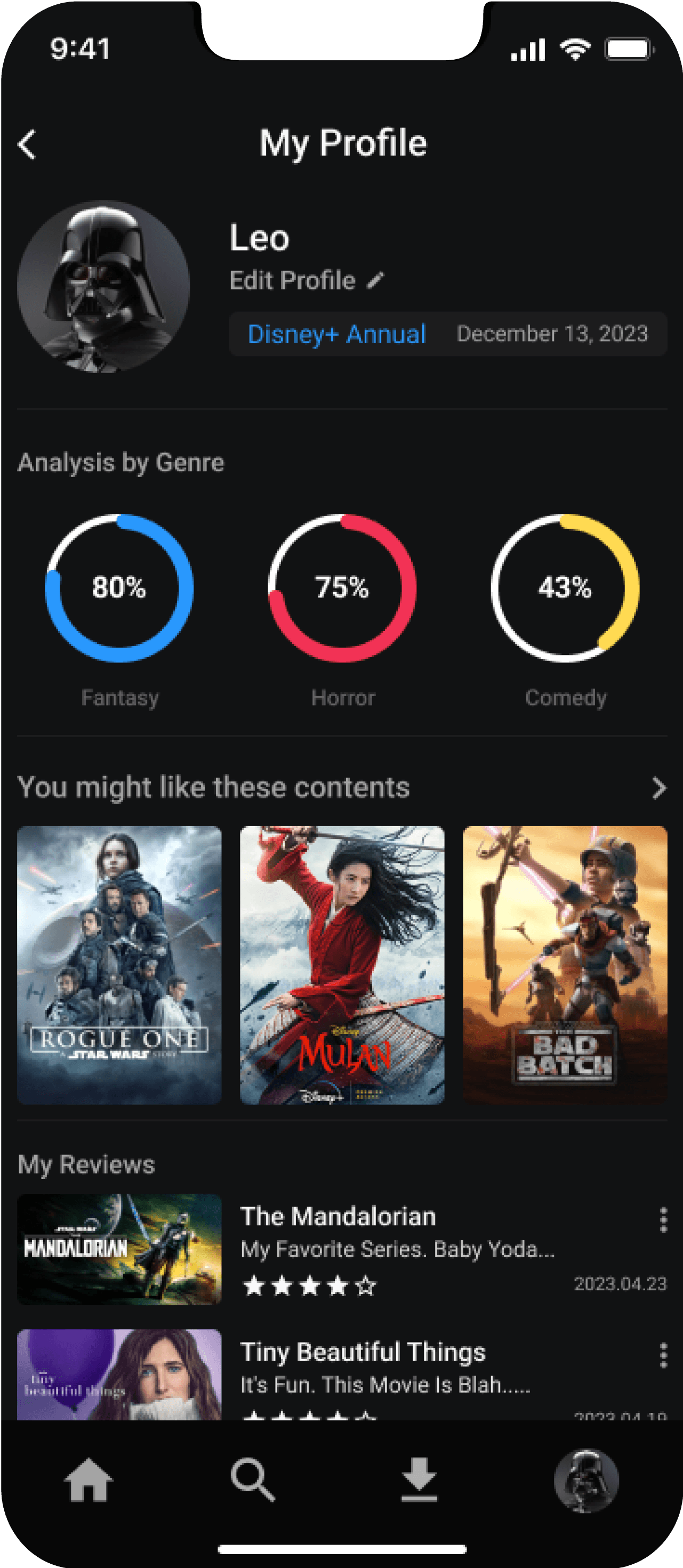
We provide personalized recommendations based on detailed data.
Personalized Data
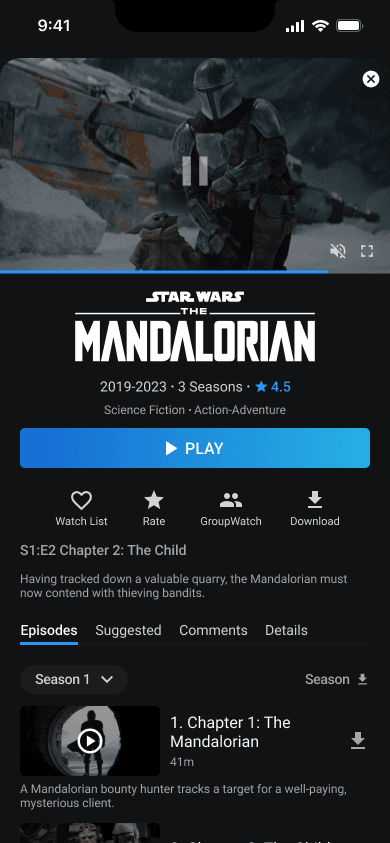
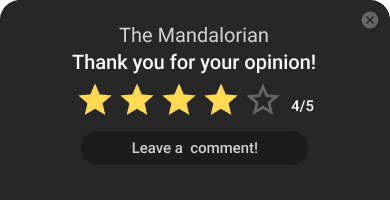
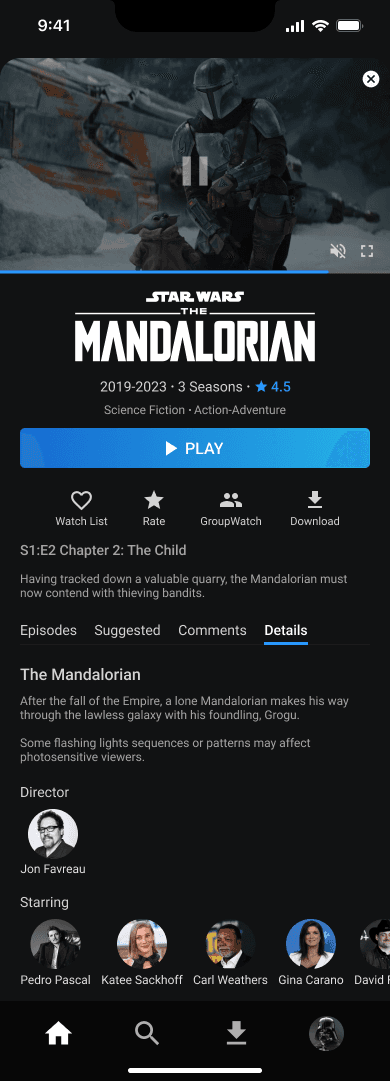
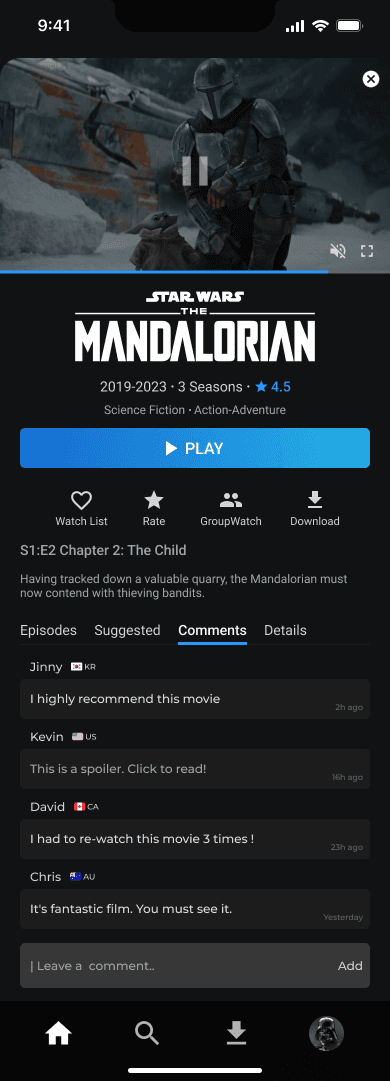
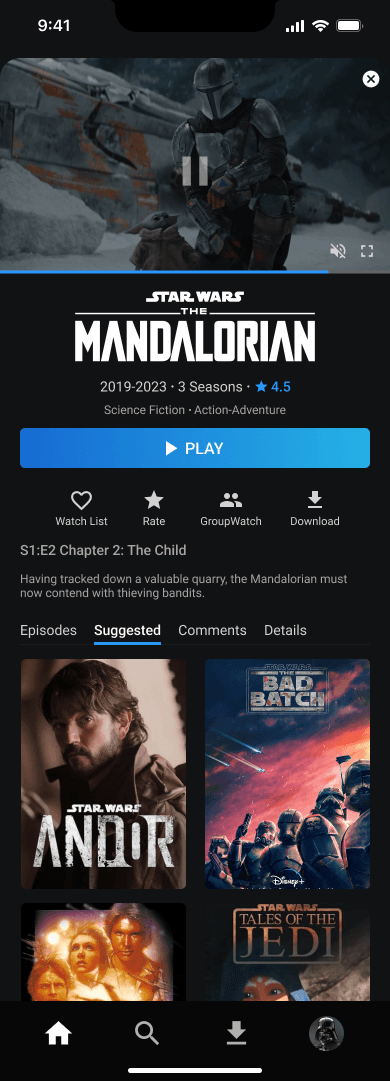
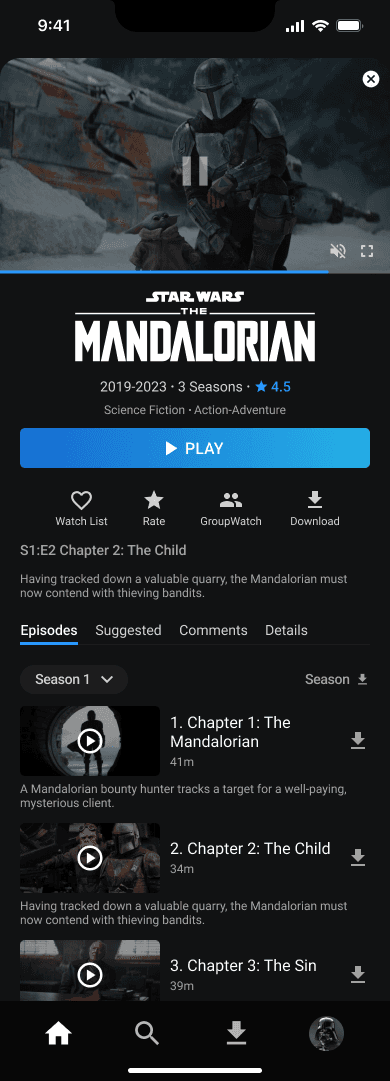
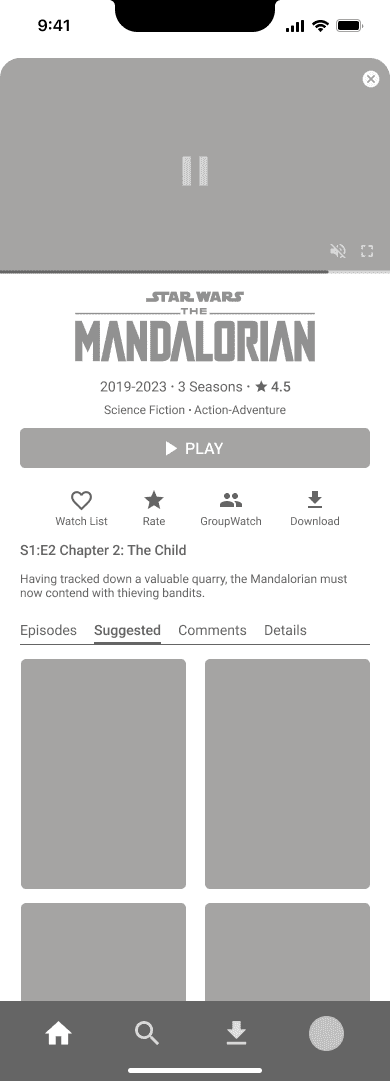
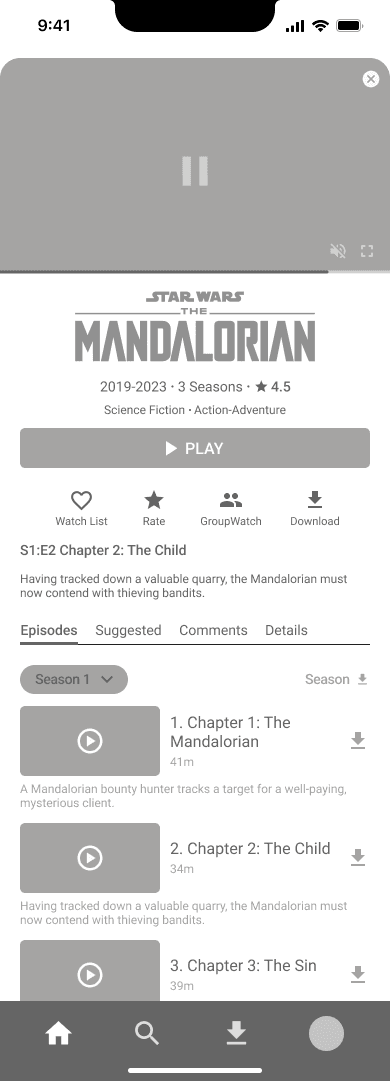
Changed the viewing experience during trailers to allow reading content information while watching instead of full-screen.
Content information sharing through the comment and rare feature.
Comments with spoilers are hidden.
Organized and visualized content by directors and cast members.
Tab the side icon to open the panel
n the previous version, users struggled to find desired content due to insufficient information. We've improved content details and sharing to make it easier for users to find what they want.
Enhancing Content Information
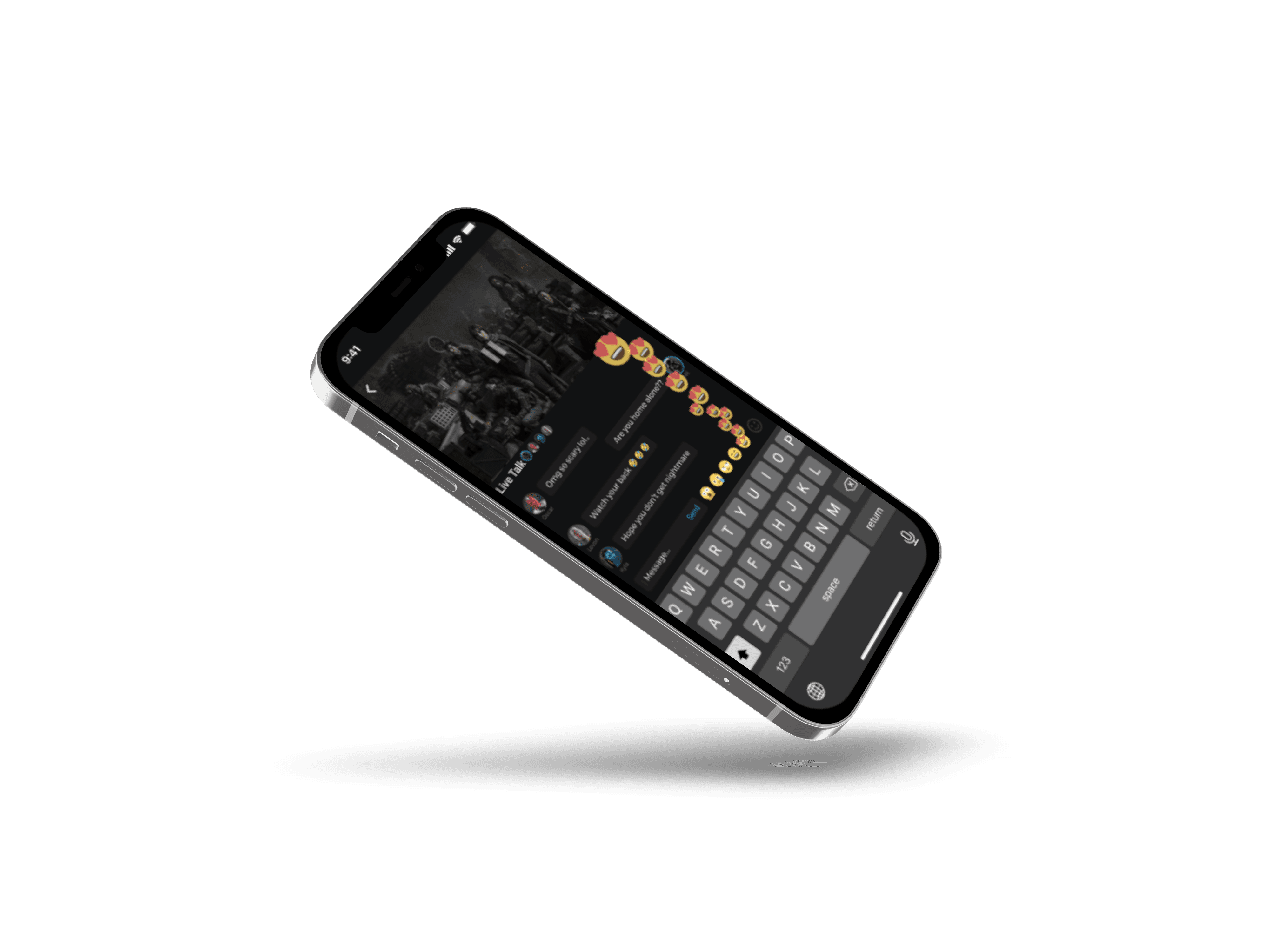
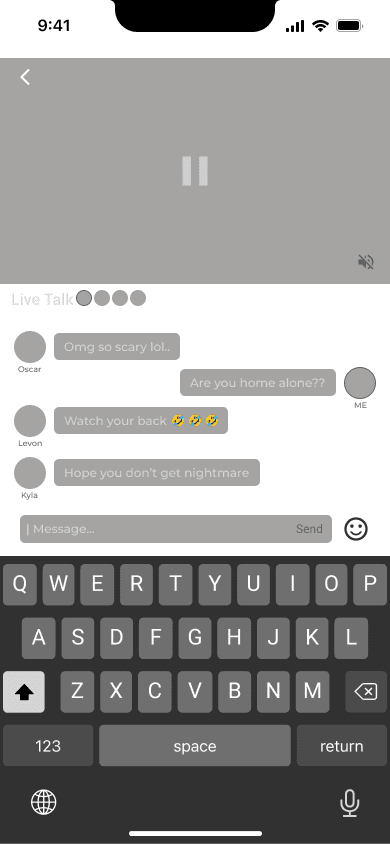
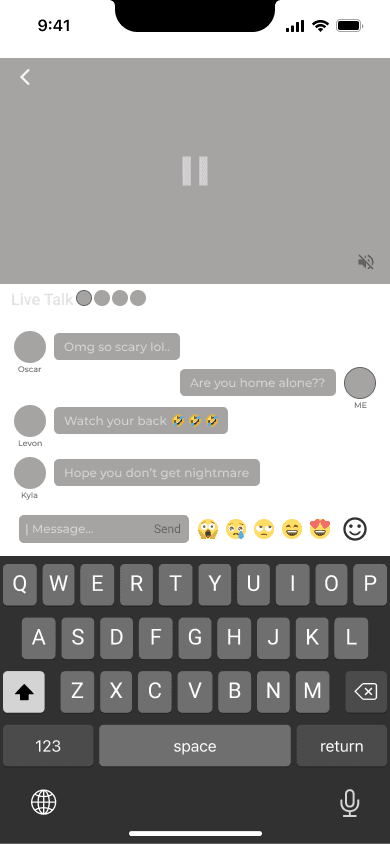
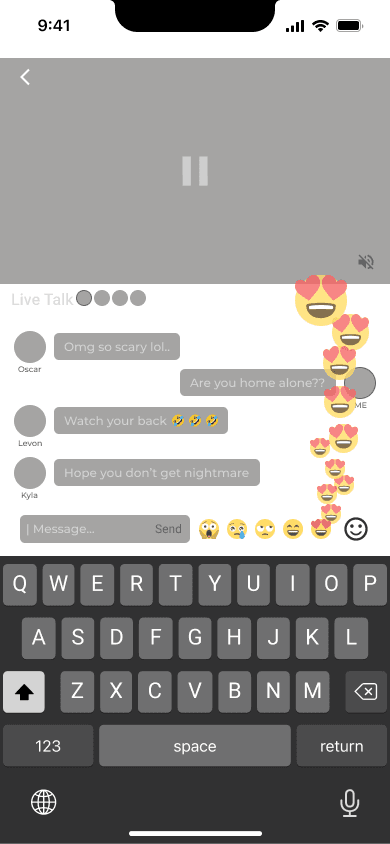
In the previous group watch, only simple emojis could be used. We added live chat, enhancing the experience for enjoying watching together
Live Talk Group Watch
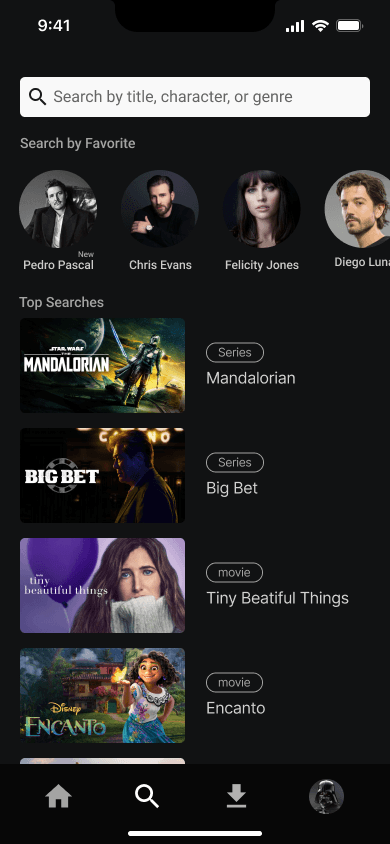
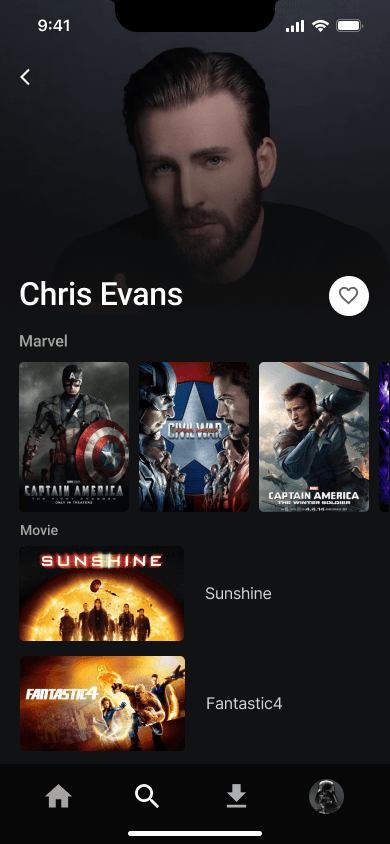
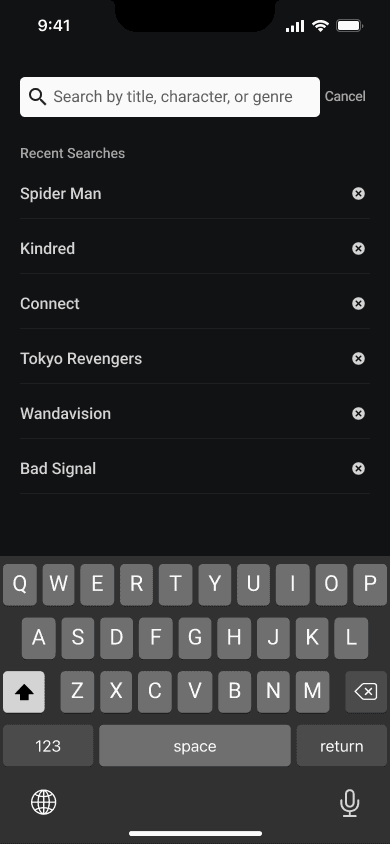
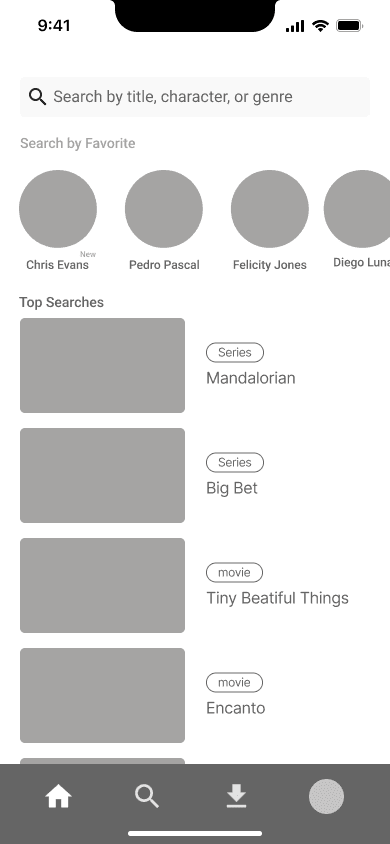
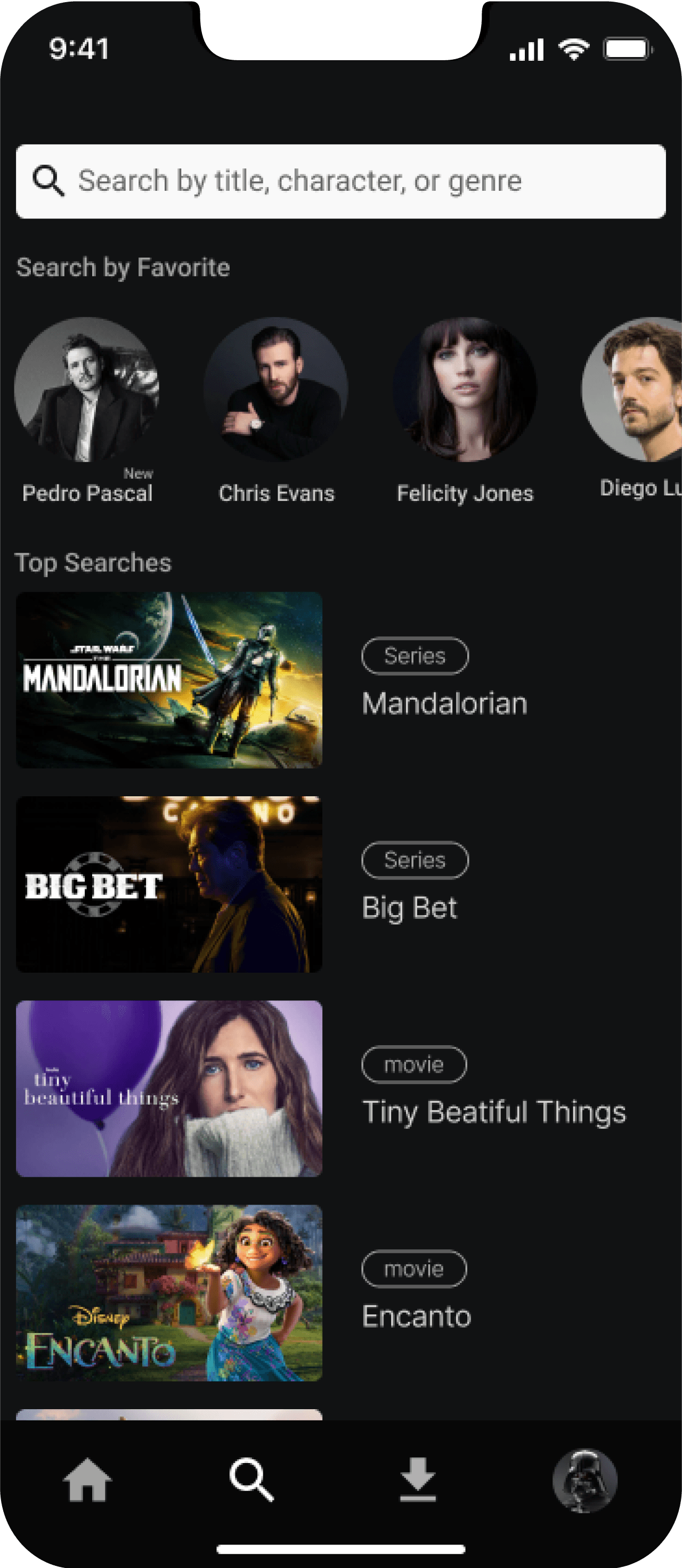
Catering to user preferences, we've introduced a list of liked actors and directors in the search tab. Below, a ranking of presently popular content is provided, offering users diverse options for content exploration.
Diverse Search Options
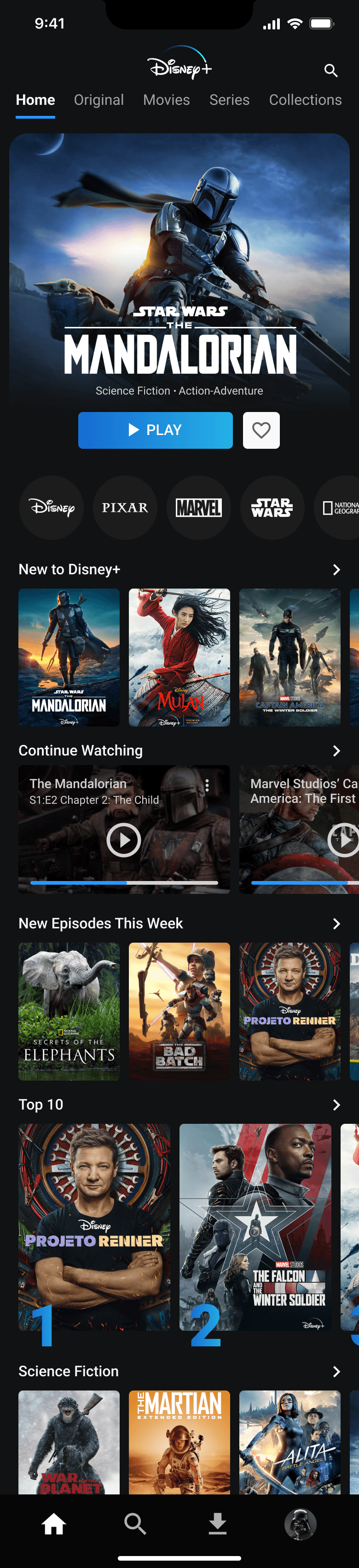
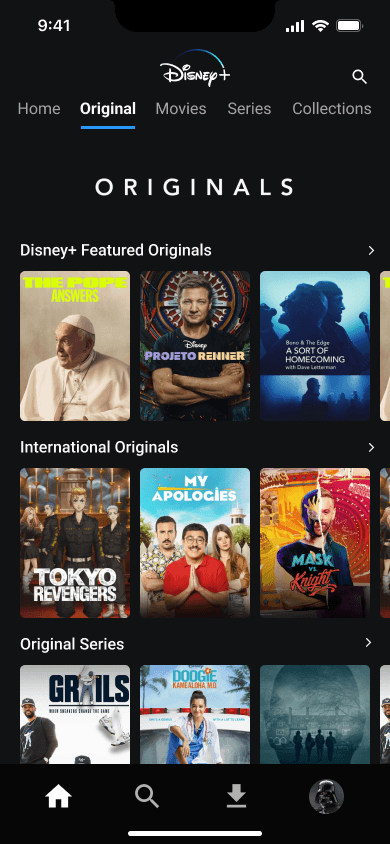
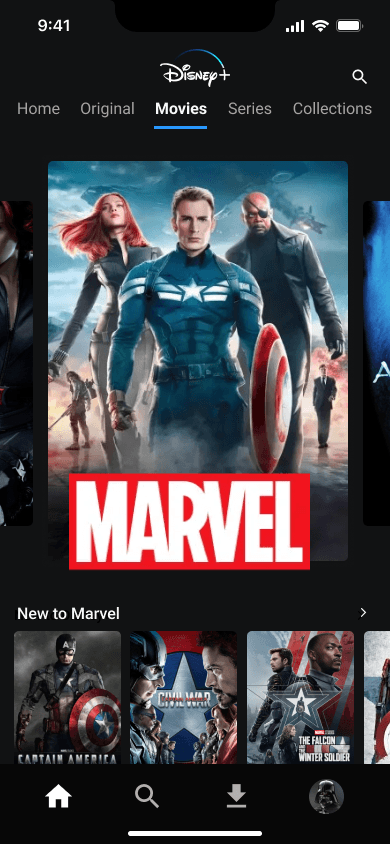
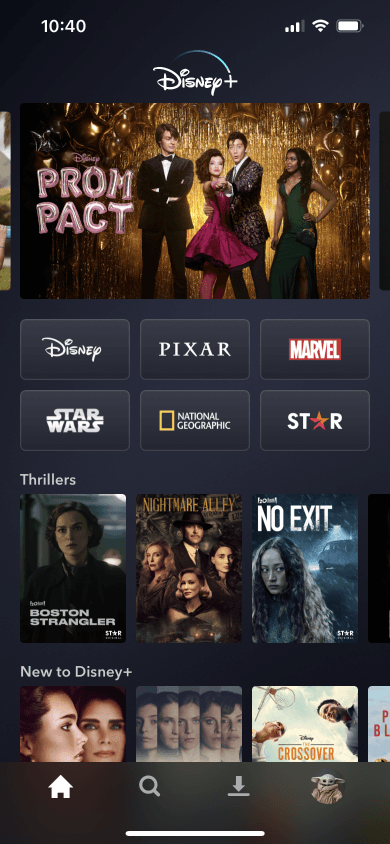
We relocated the category banner to the home screen for a more intuitive and convenient exploration of categories.
Category menu
We redesigned the recommended content to attract the user's attention more effectively.
Main screen
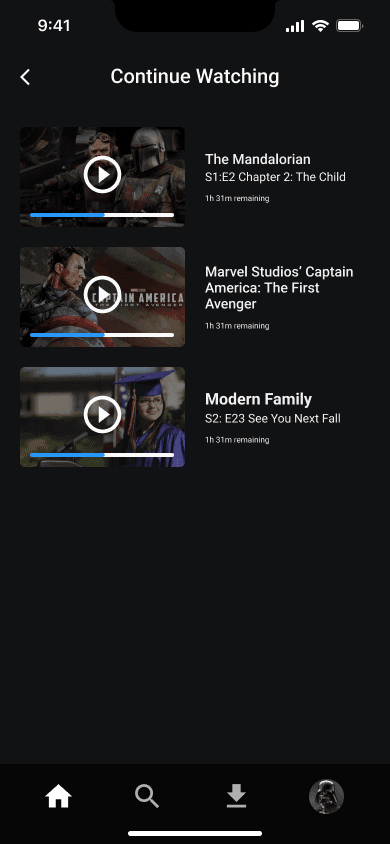
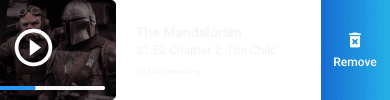
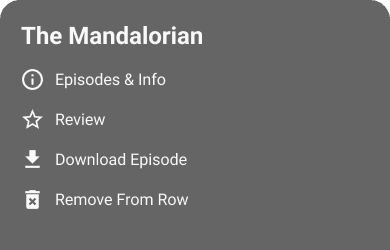
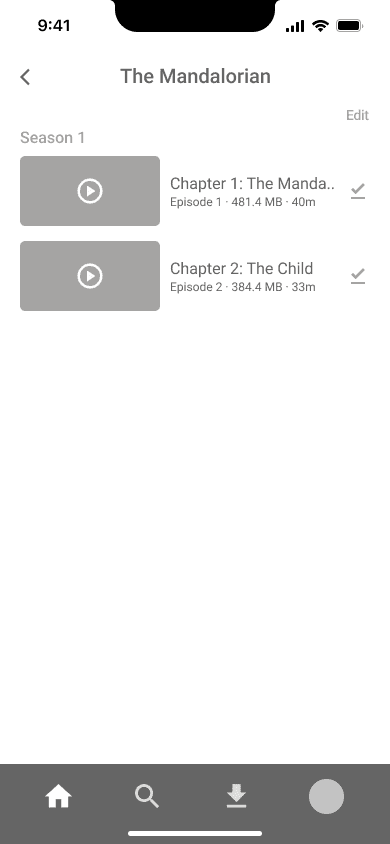
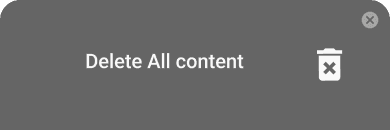
Added an option to delete content currently being viewed.
Content Management
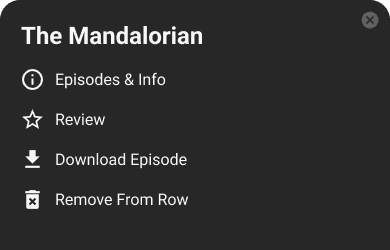
Tab the side icon to open the panel
Easy to Navigate
HI-FI DESIGN
Catering to user preferences, we've introduced a list of liked actors and directors in the search tab. Below, a ranking of presently popular content is provided, offering users diverse options for content exploration.
Diverse Search Options
In the previous group watch, only simple emojis could be used. We added live chat, enhancing the experience for enjoying watching together
Live Talk Group Watch
Changed the viewing experience during trailers to allow reading content information while watching instead of full-screen.
Content information sharing through the comment and rare feature.
Comments with spoilers are hidden.
Organized and visualized content by directors and cast members.
Tab the side icon to open the panel
n the previous version, users struggled to find desired content due to insufficient information. We've improved content details and sharing to make it easier for users to find what they want.
Enhancing Content Information
Detailed Data
At-a-Glance Watchlist
Watch History Editing
We provide personalized recommendations based on detailed data.
Personalized Data
Accessible usability
Added Next and Previous Episode Options.
Added Video Playback Speed Control.
Added Playback Lock Feature.
Added Screen Brightness Adjustment Feature.
Moved the 'Next Episode' button from the left to the right during the ending credits.
HI-FI DESIGN
DELIVER
Heading 1
Roboto - Bold - 48 px
Heading 2
Roboto - Bold - 40 px
Heading 3
Roboto - Bold - 32 px
Heading 4
Roboto - Bold - 28 px
Heading 5
Roboto - Bold - 24 px
Large Text
Roboto - Medium - 18 px
Normal Text
Roboto - Bold - 16 px
Normal Text
Roboto - Medium - 16 px
Normal Text
Roboto - Bold - 14 px
Normal Text
Roboto - Medium - 14 px
Normal Text
Roboto - Regular - 14 px
Normal Text
Roboto - Regular - 12 px
TYPOGRAPHY
COMPONENT
COLOR
STYLE GUIDE
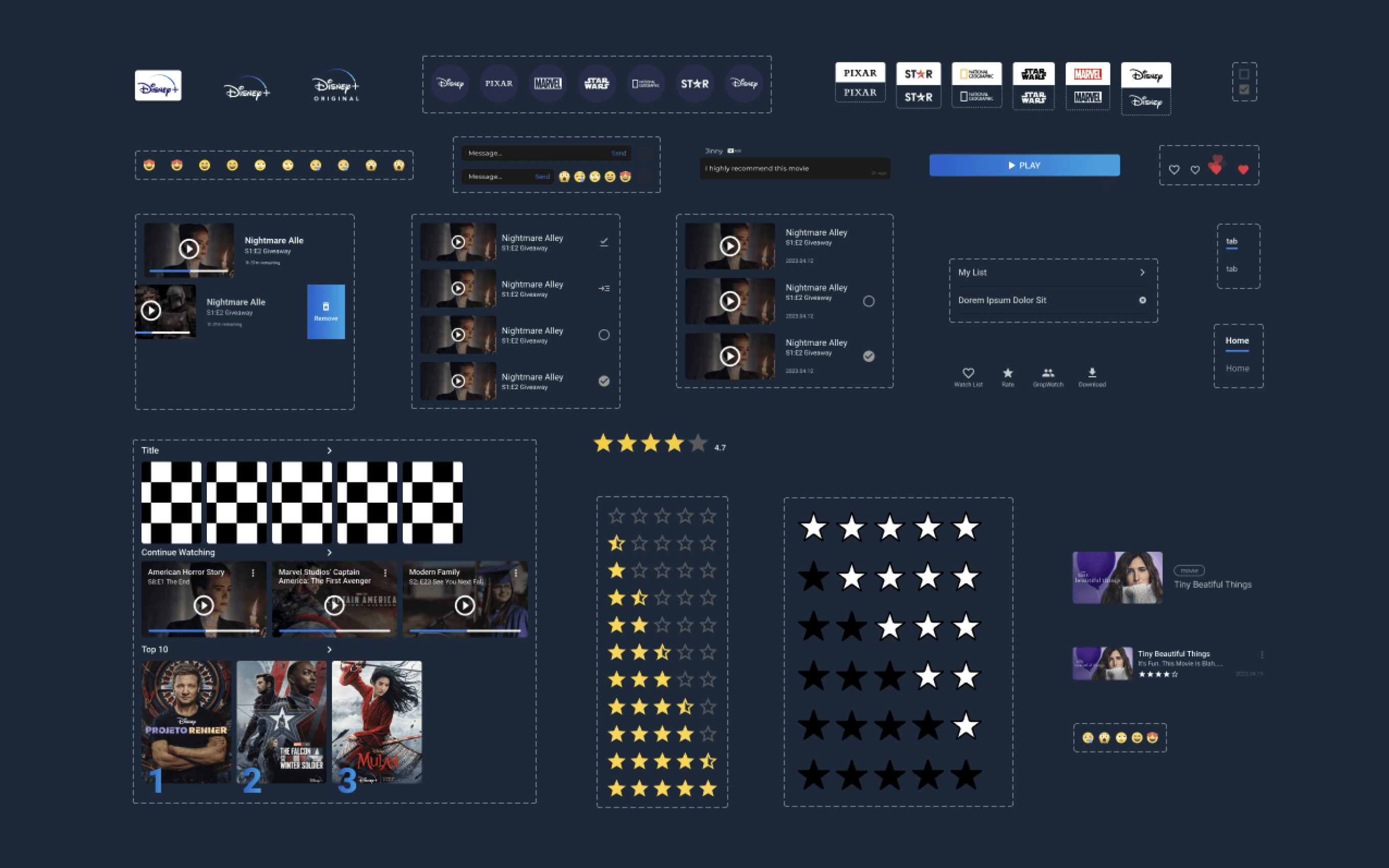
To ensure a consistent design, we created a style guide that maintains the existing identity of the Disney Plus app while also making it clearer and more interesting than before.
SPACING
8 px
16 px
24 px
32 px
40 px
56 px
72 px
80 px
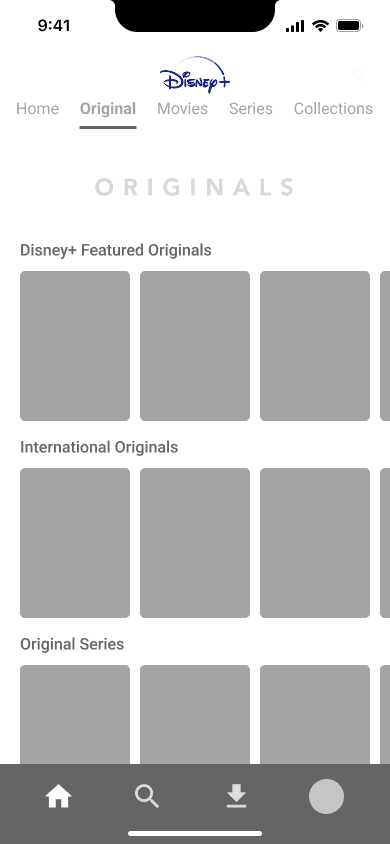
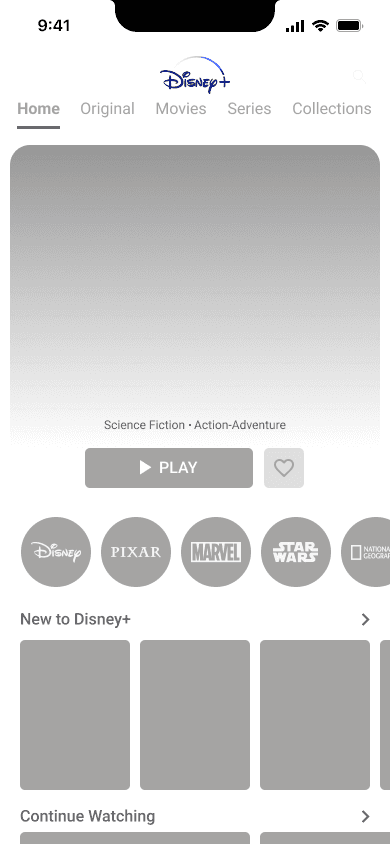
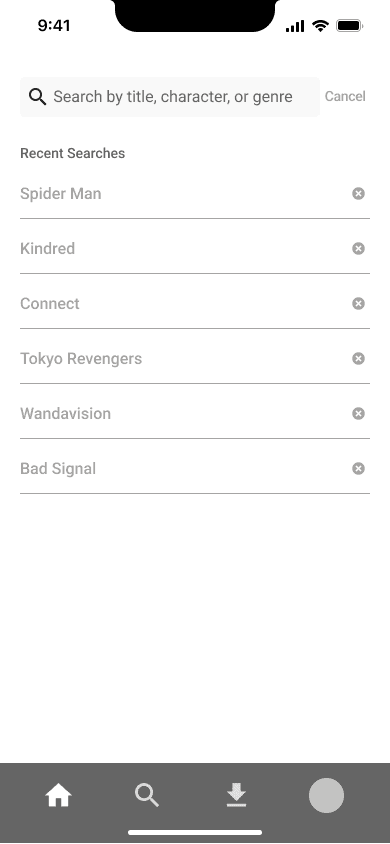
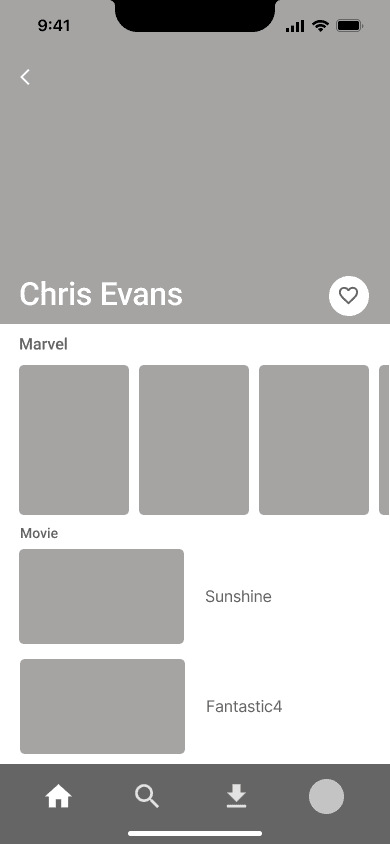
We simplified and condensed the sketches, resulting in clear and concise wireframes. The design was carefully crafted to prioritize ease of use and simplicity.
WIREFRAMES
Group Watching
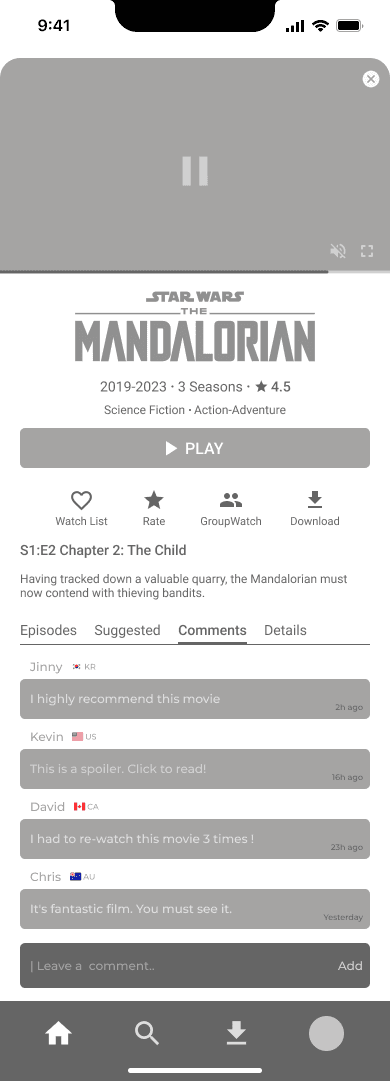
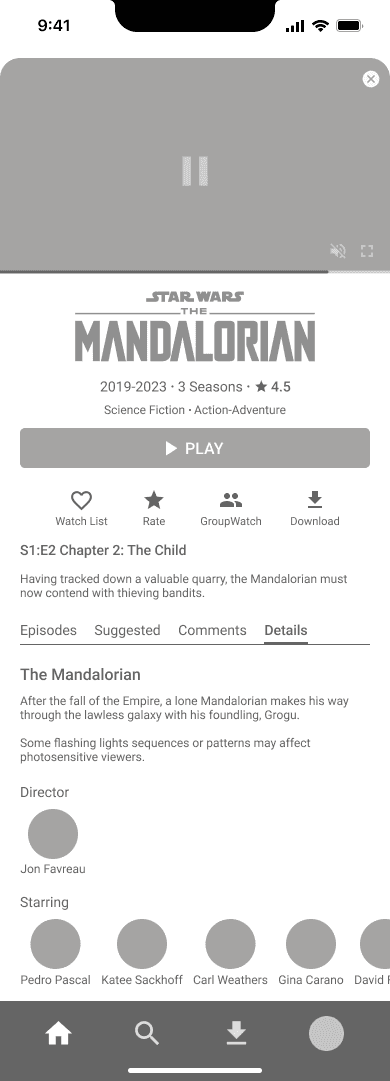
Contents Information
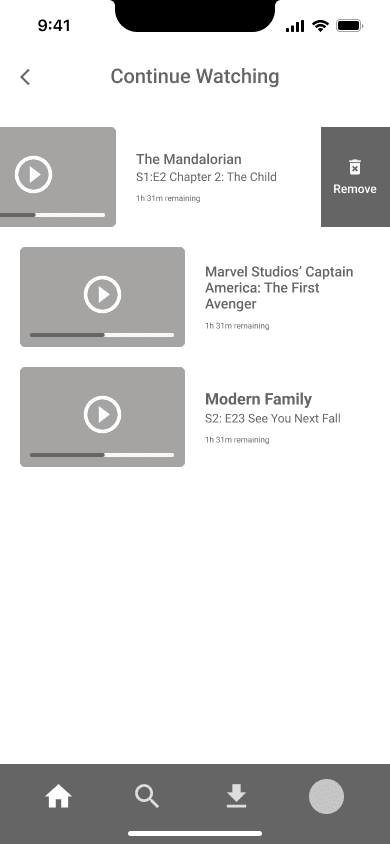
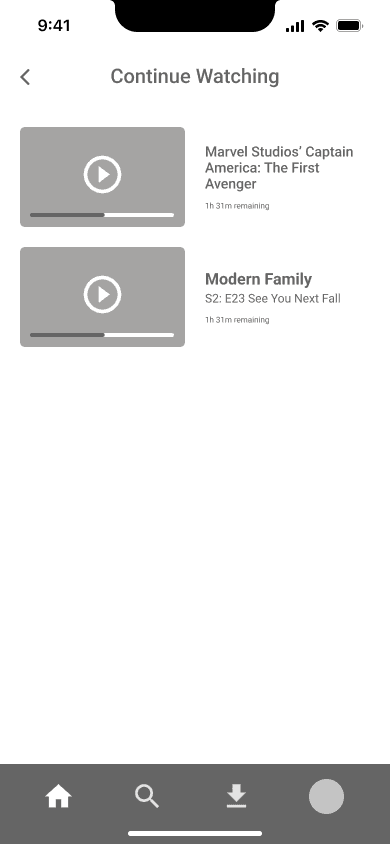
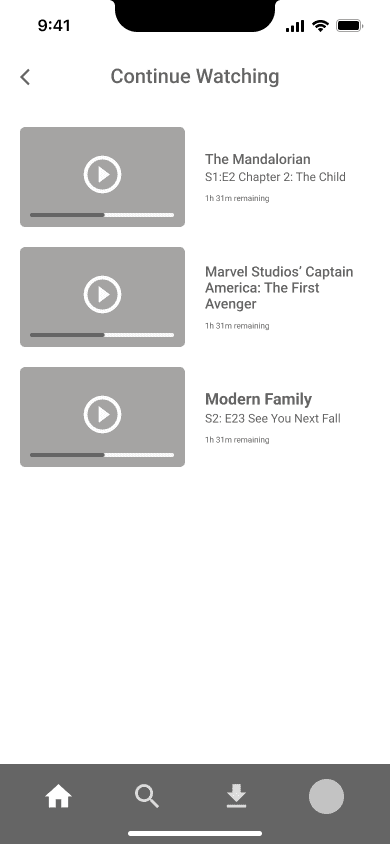
Watching_Edit
Home_Main
Home_Original
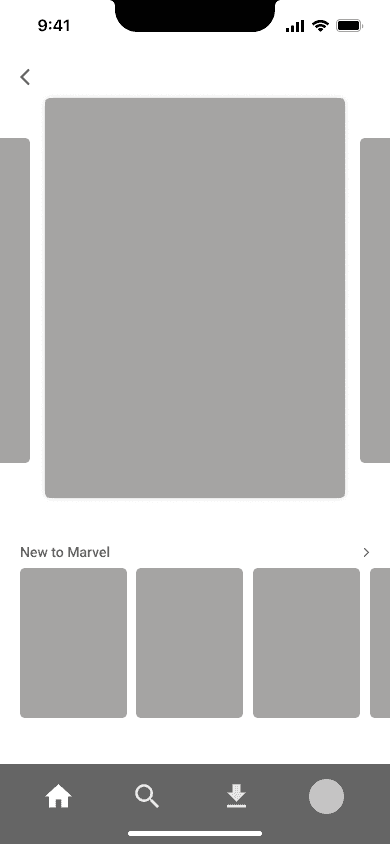
Home_Marvel
Search
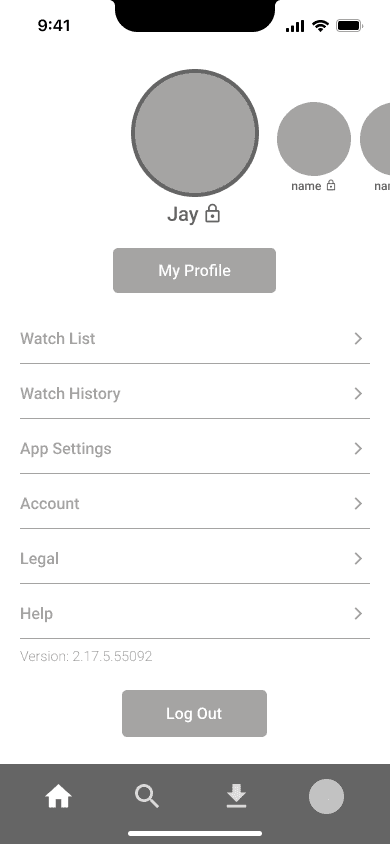
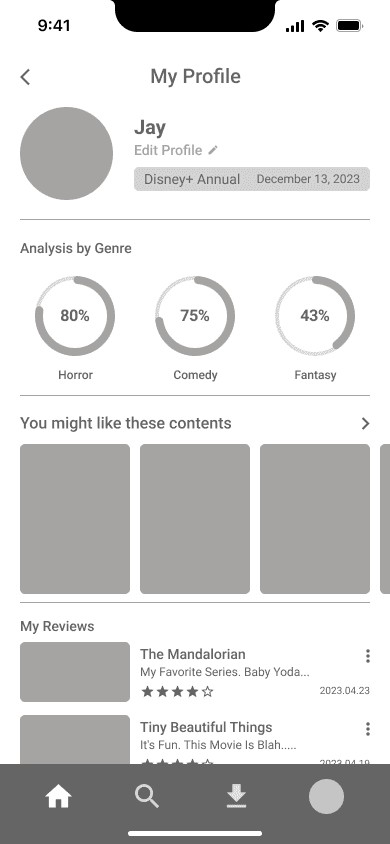
Profile
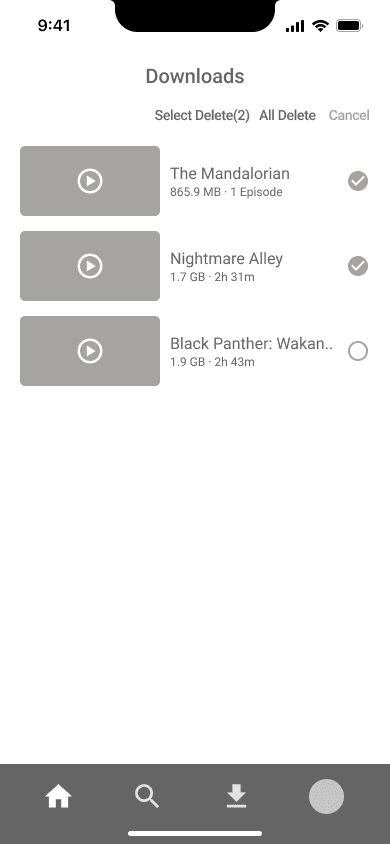
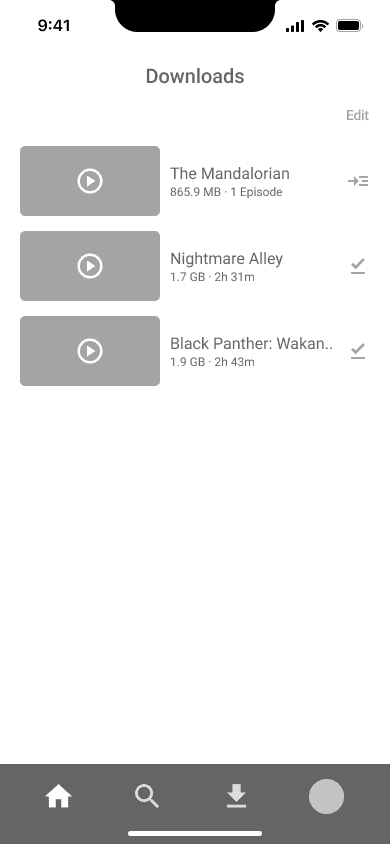
Download
Play
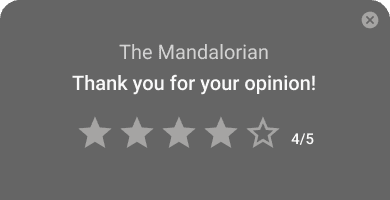
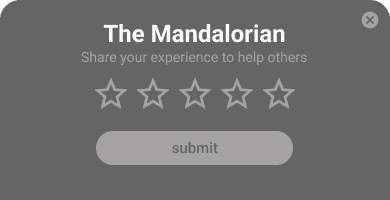
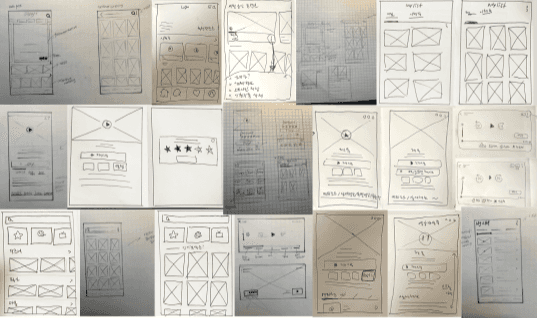
SKETCH (CRAZY 8)

We used the Crazy 8 technique to sketch our ideas as the initial step in the implementation process. Each team member made their own sketches, and we selected the best option through a voting system.
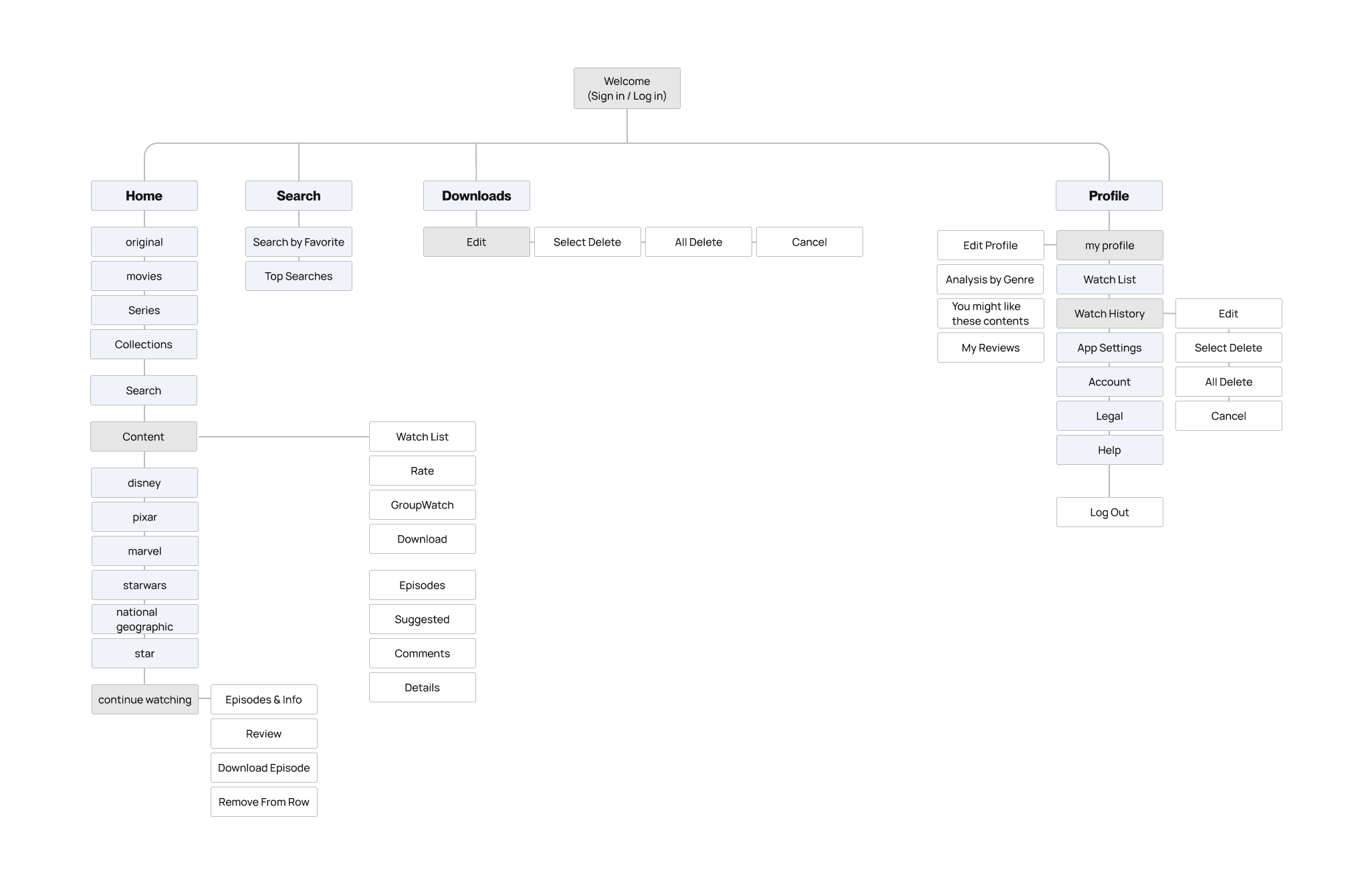
INFORMATION ARCHITECTURE
In order to integrate new features, we prioritized information architecture by altering it to meet user needs and follow user flows.
PRIORITIZATION
After assessing the feasibility and importance of each solution, we prioritized our efforts. We decided to focus on features categorized as 'Do now,' 'Do next,' and 'Do later.'
Low effort
HIgh effort
Low value
High value
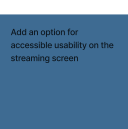
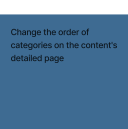
Do Now

Do Next
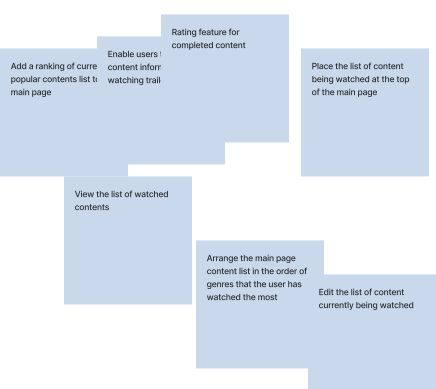
Do Later
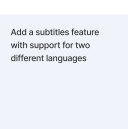
Don’t Do
EMPATHY MAPPING
To ensure that the process remains user-centered, we made empathy map based on the reviews and our opinions as users. By focusing on what users would think or feel, could gain a deeper understanding of the users and discover possible opportunites.
Says
Thinks
Does
Feels
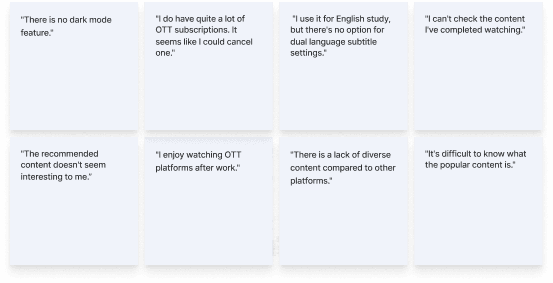
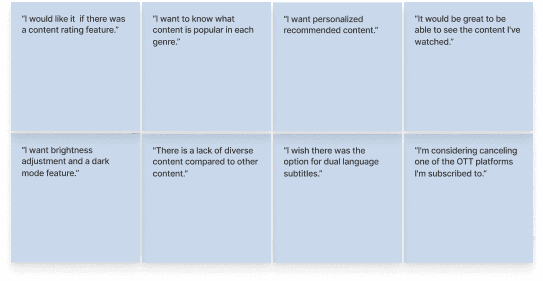
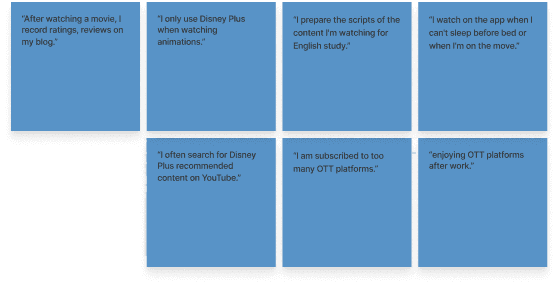
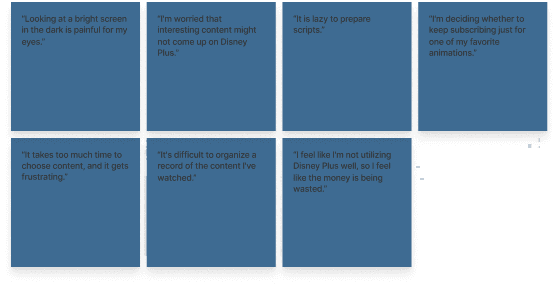
AFFINITY MAPPING
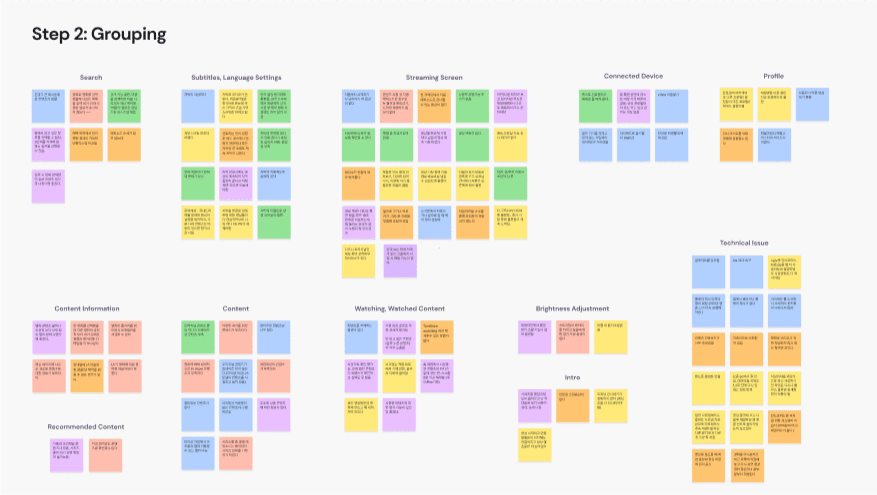
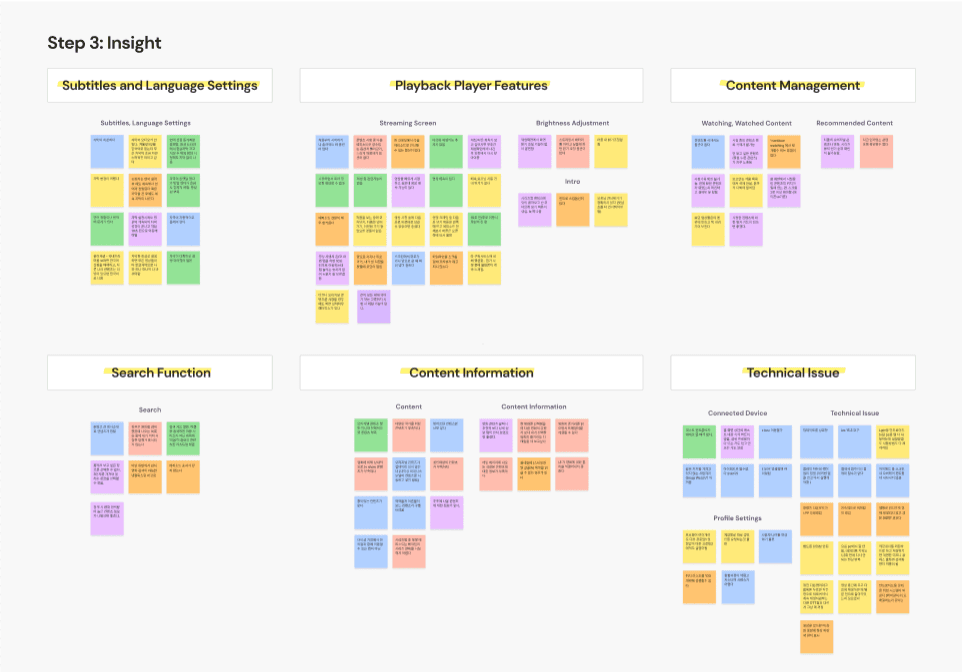
Affinity mapping was conducted using cards derived from extracting repeated and impactful opinions obtained through interviews and user research.
DEFINE
USER INTERVIEW
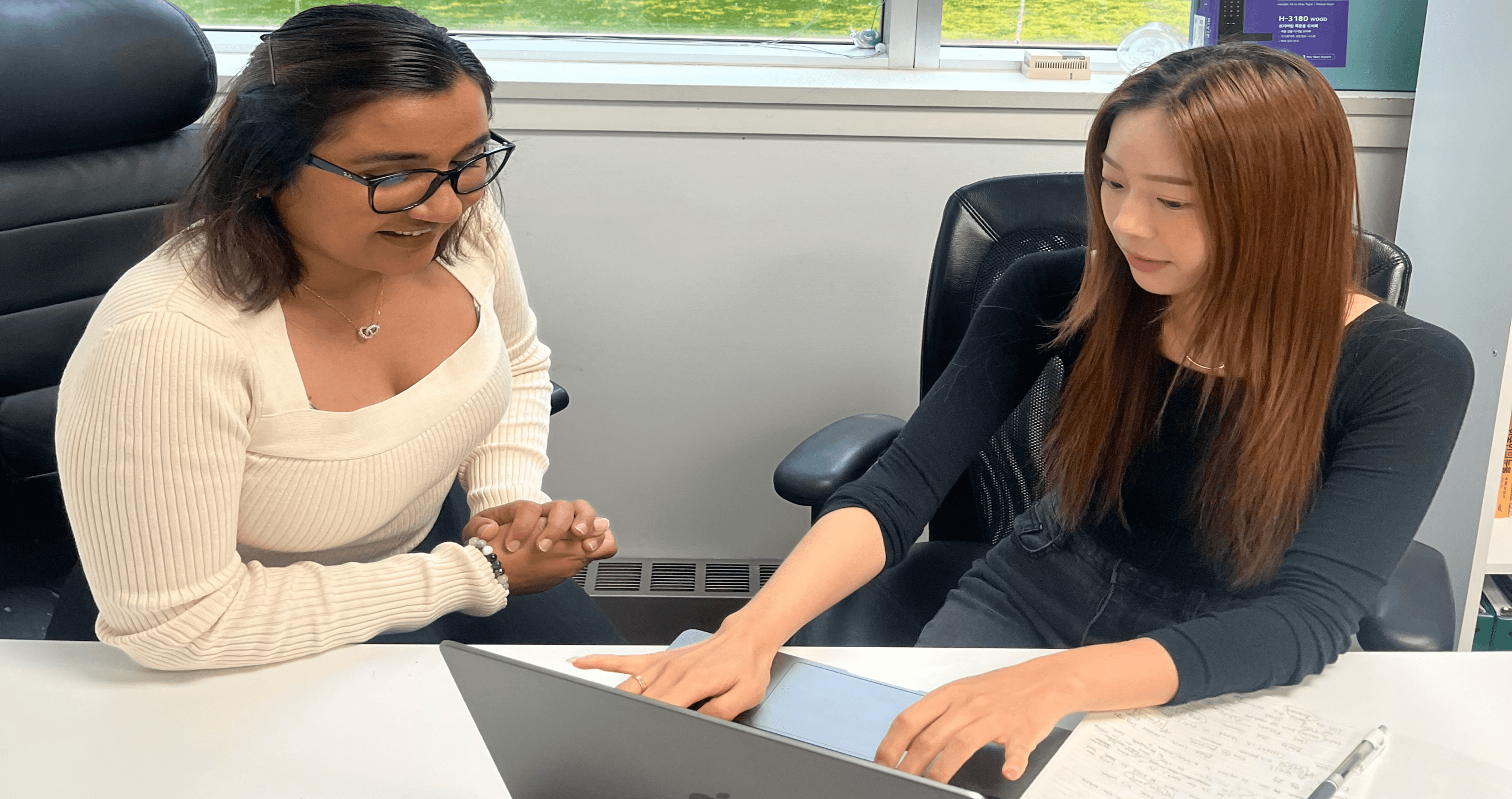
We discussed the usage patterns and specific challenges with two Disney Plus app users through 1:1 interviews. Additionally, we adjusted the project planning direction through conversations with the interviewees.
“ What difficulties have you encountered while using the Disney Plus app? ”
Person A (26, Male)
"It's impossible to delete the list of 'Continue Watching' contents."
Person B (32, Female)
"I want to enjoy content with my friends while chatting using the group watch feature, but there is no chat function."
USER RESEARCH
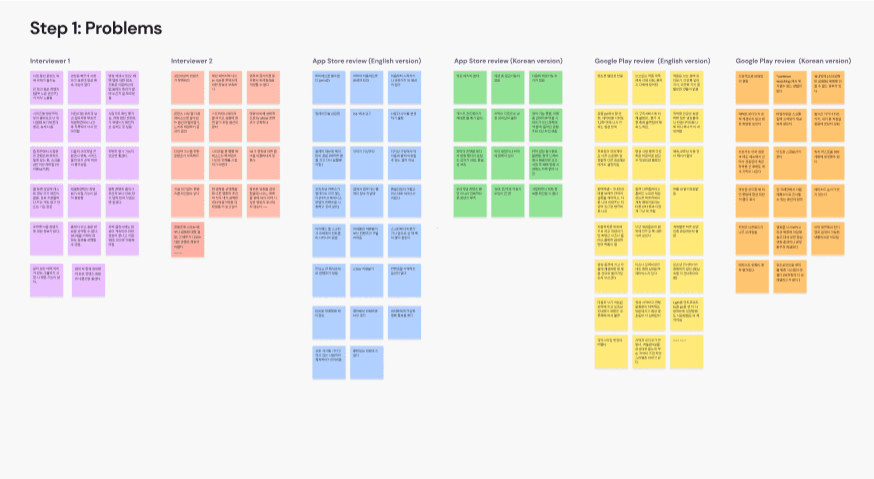
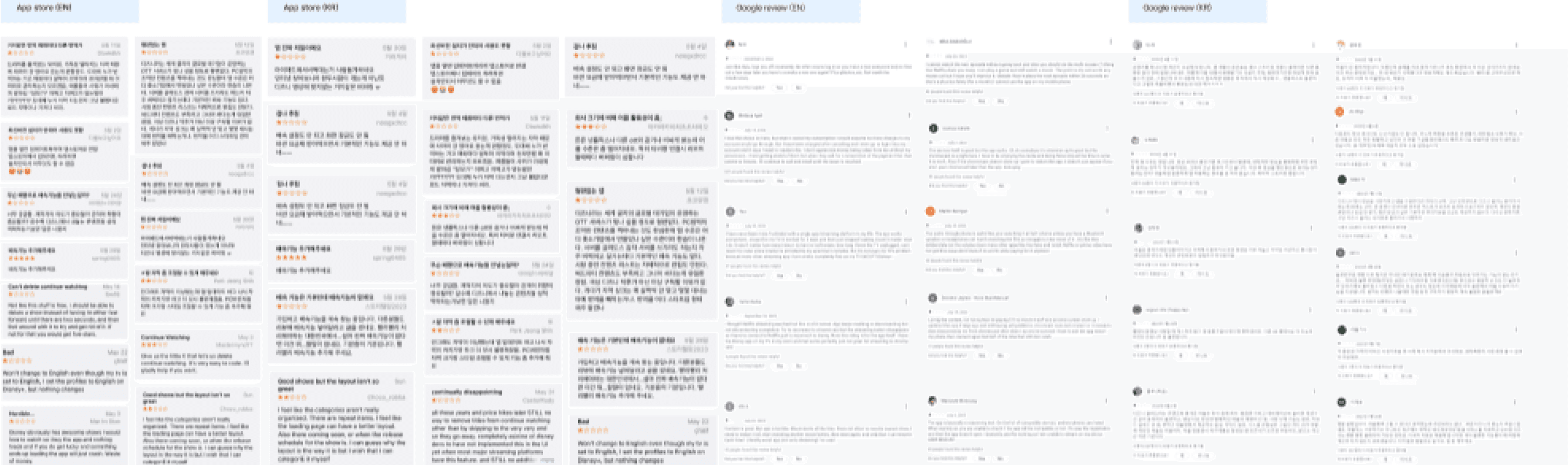
To understand and identify issues,we conducted user research by looking for critical reviews on google store and apple appstore. We have collected over 100 reviews in the past two years.
COMPETITOR ANALYSIS
The analysis was conducted to understand the overall needs of users in the industry. The goal was to identify ways to differentiate our products from the competition and devise strategies accordingly.
Limited mature/adult content
Regional content restrictions
Limited international expansion
PROS
CONS
DISNEY+
Strong brand recognition
Integration with other Disney-owned services like theme parks and merchandise.
High-quality original content production.
Pioneered the streaming model, massive global subscriber base.
Diverse and extensive original content .
Robust recommendation algorithm and personalized user experience.
Increasing competition
Dependency on licensed content.
Increasing the subscription price
PROS
CONS
NETFLIX

Integrated with Amazon Prime membership, offering additional benefits.
Strong global presence and resources due to Amazon's backing.
Varied content library
Limited exclusive content
less user-friendly Navigation .
Might not be the primary choice for all streaming users
AMAZON PRIME

PROS
CONS
Offers flexible options with pay-as-you-go passes.
Provides content from popular networks.
Covers a wide range of content, including live TV, sports, and movies.
Restricted to certain regions, limiting its global reach.
May not have as extensive an original content .
Could face competition
PROS
CONS
NOW TV
SWOT ANALYSIS
We conducted a SWOT analysis of Disney Plus to identify its strengths, weaknesses, opportunities, and threats. This was done to contribute to enhancing competitiveness and predicting the potential for success.
STRENGTH
Strong brand recognition and reputation
In-house content production
4K HDR high-quality streaming
Competitive subscription fees
Available on various devices, including smartphones, tablets, smart TVs, and gaming devices
Up to 4 simultaneous connections
WEAKNESS
Lack of content diversity
Limited availability of certain content due to licensing agreements
Restricted international expansion
Relatively smaller TV show library compared to movies
Ad-based subscription model
Dependency on certain content
OPPORTUNITIES
Most popular content is self-produced
Growth trend of OTT services
New market entry opportunities in Asia, Africa, etc.
Increased investment in original content
THREATS
Numerous OTT platforms
Success of competitors' original content
Possibility of content providers withdrawing from licensing agreements and shifting to self-streaming services
Frequent legal issues (disputes with Hollywood actors, copyright lawsuits)
DISCOVER
DESIGN PROCESS
05
Accessible usability
We have redesigned the main screen to make navigation easier by reducing the number of clicks required for essential functions.
Now, you can access it more easily on the main page.
04
Personalized recommendation
We have redesigned the main screen to make navigation easier by reducing the number of clicks required for essential functions.
Now, you can access it more easily on the main page.
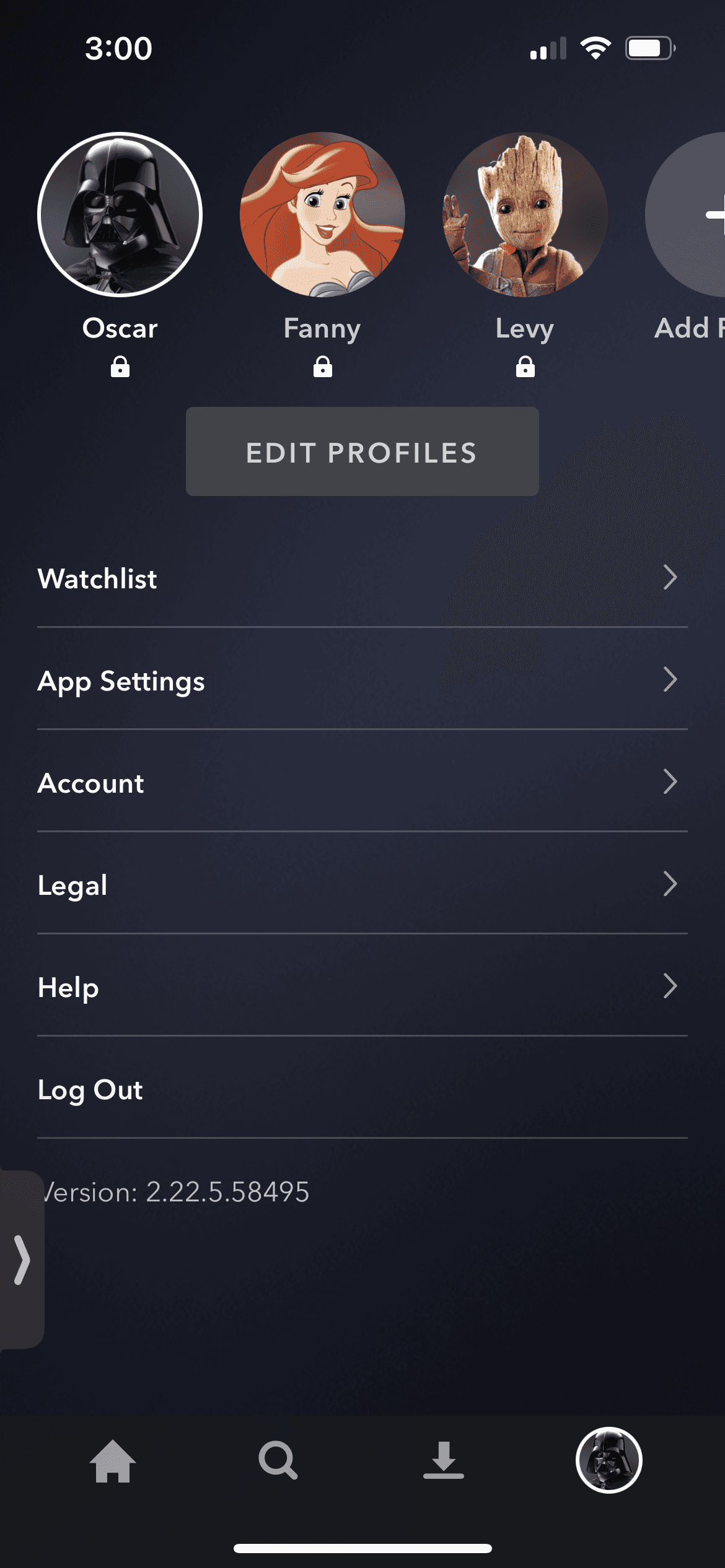
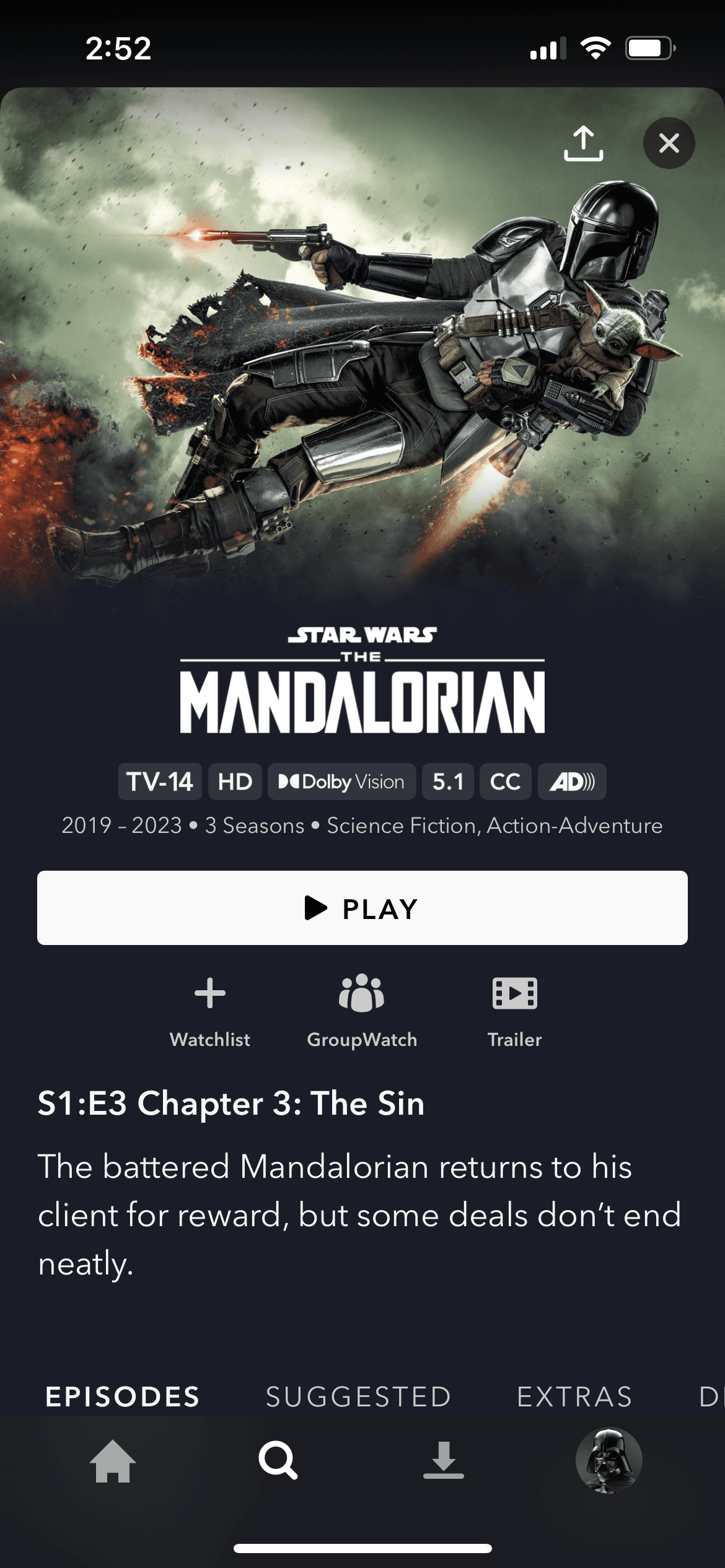
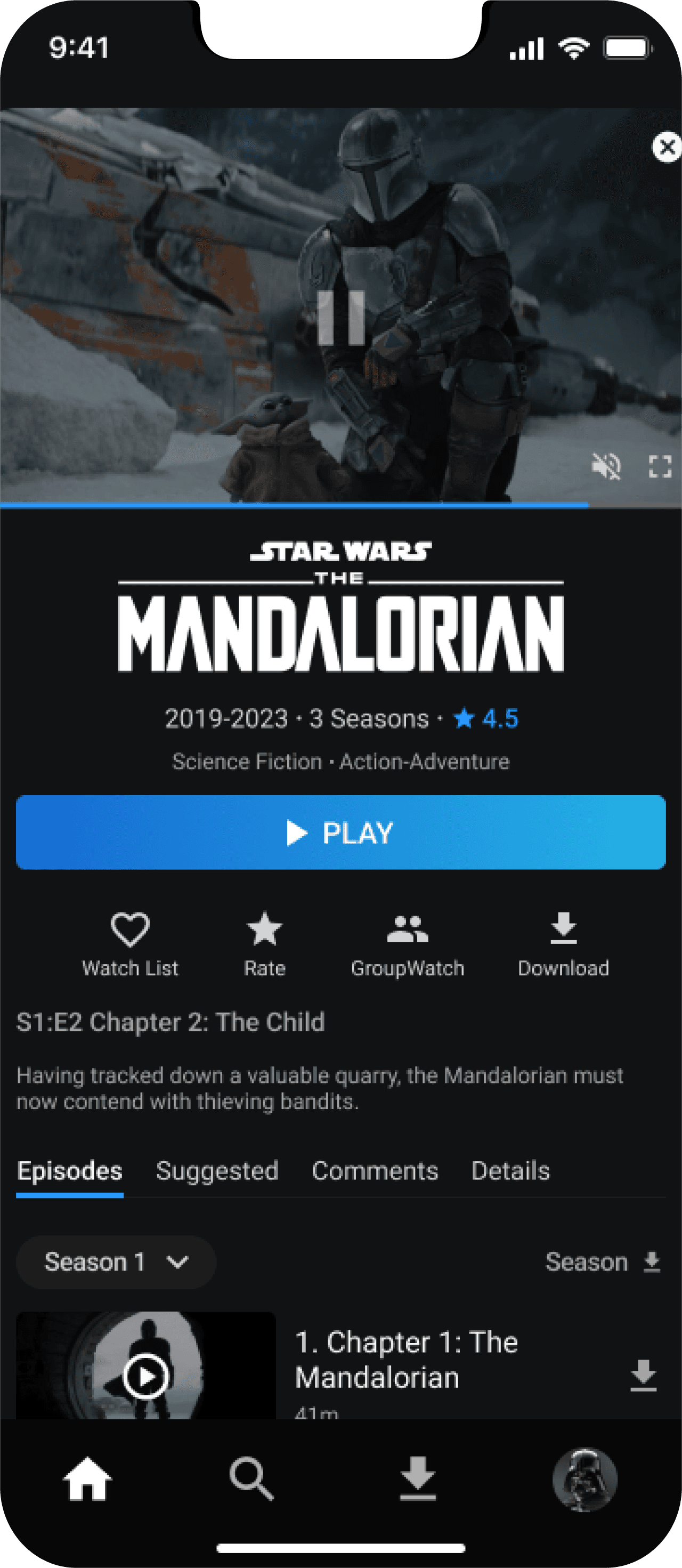
03
Enhancing content information
We have redesigned the main screen to make navigation easier by reducing the number of clicks required for essential functions.
Now, you can access it more easily on the main page.
02
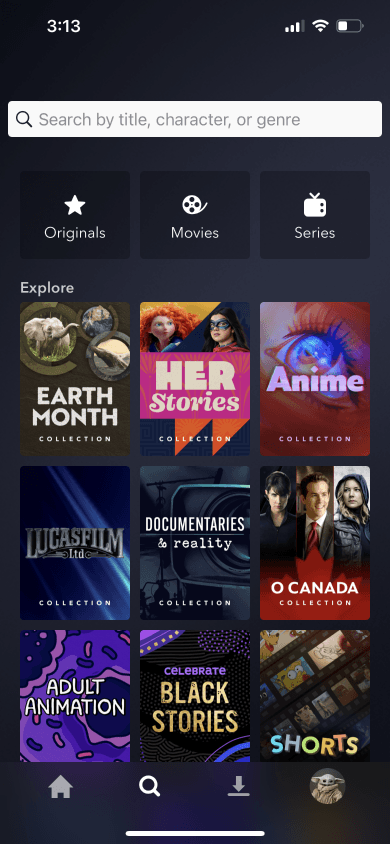
Various search options
We have redesigned the main screen to make navigation easier by reducing the number of clicks required for essential functions.
Now, you can access it more easily on the main page.
01
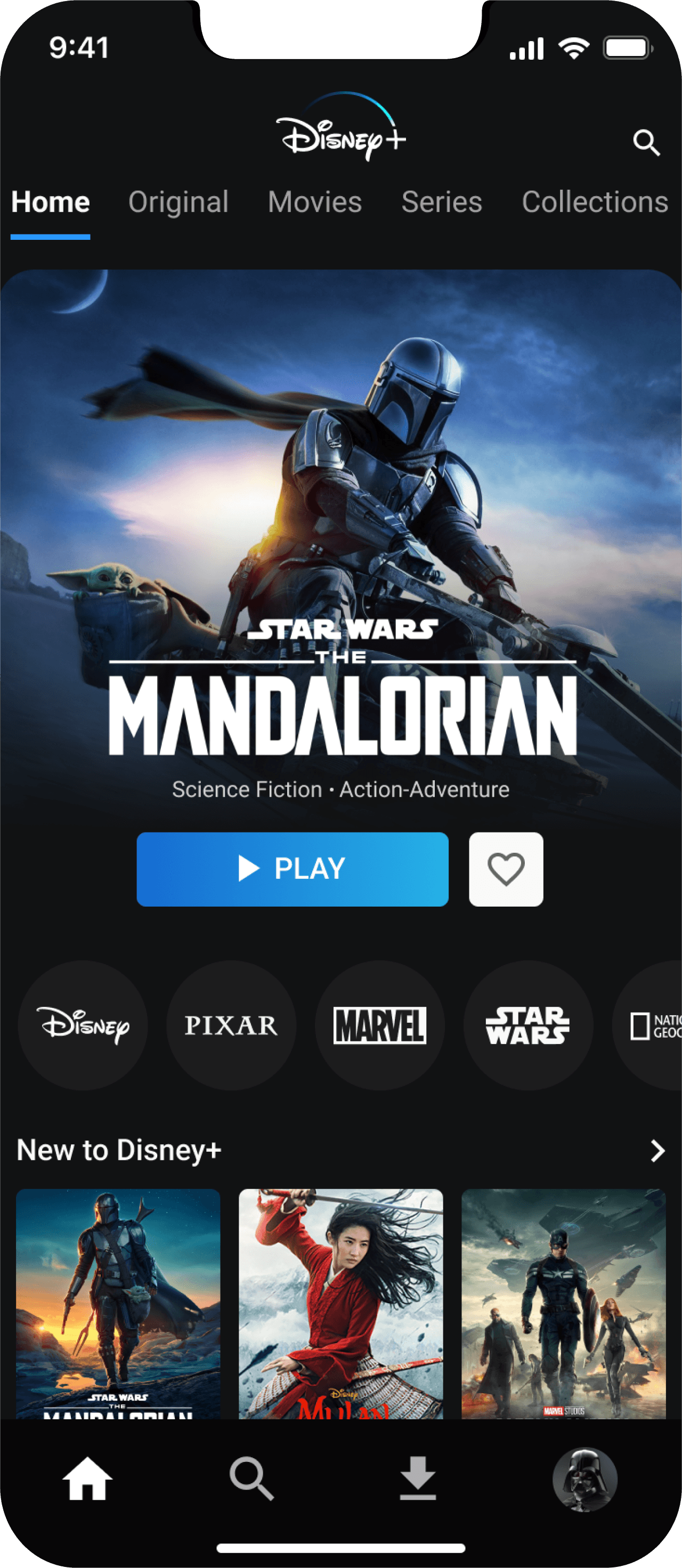
Easy to navigate
We have redesigned the main screen to make navigation easier by reducing the number of clicks required for essential functions.
Now, you can access it more easily on the main page.
MAIN FEATURES
REDESIGN
APP
DISNEY PLUS+
REDESIGN
PROJECT OVERVIEW
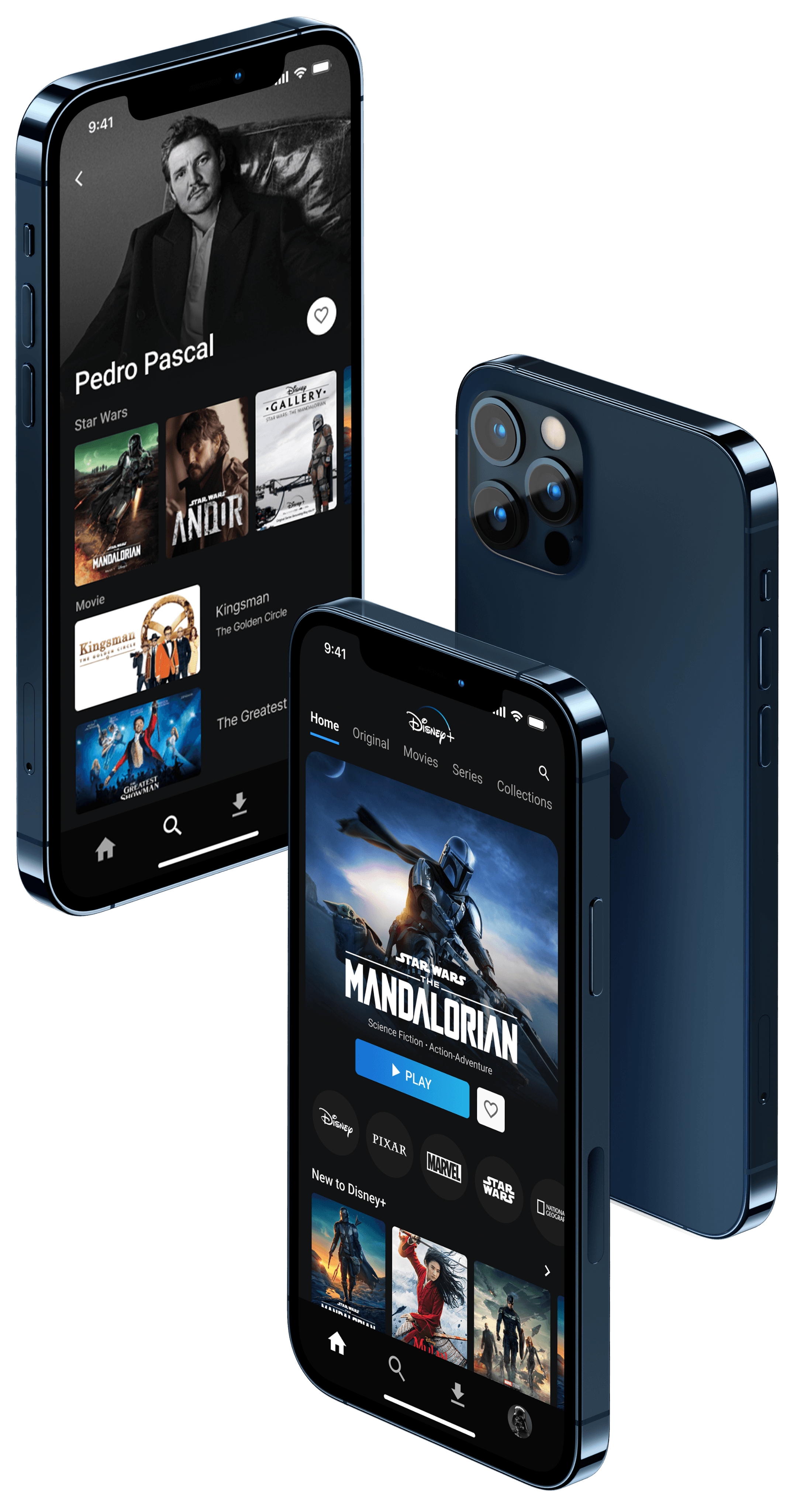
Disney Plus is one of the most popular OTT platforms where you can enjoy content from Disney, Pixar, Marvel, Star Wars, and National Geographic all in one place. It offers a variety of content, including movies, TV shows, original series, and more, providing endless entertainment for all age groups.
As Disney Plus users, we experienced some discomfort while using the app. Therefore, we conducted user research to gather pain points from other Disney Plus users as well. Throughout the research, we discovered that users encounter issues with using certain features or service flows. We derived solutions for these issues and redesigned the project accordingly.
PROJECT TYPE
Team Project
ROLE
User Research, UX/UI Design, Prototyping
Usability Testing
TOOLS
Figma/Figjam, Google hangout
DURATION
4 Weeks
Time-consuming navigation
The difficulty of content searching
PROBLEMS
SOLUTIONS
Intuitive UI and fast navigation
Communication and sharing based on personalization
" HOW MIGHT WE make it easy and quick for users to access and immerse themselves in the content they want? "